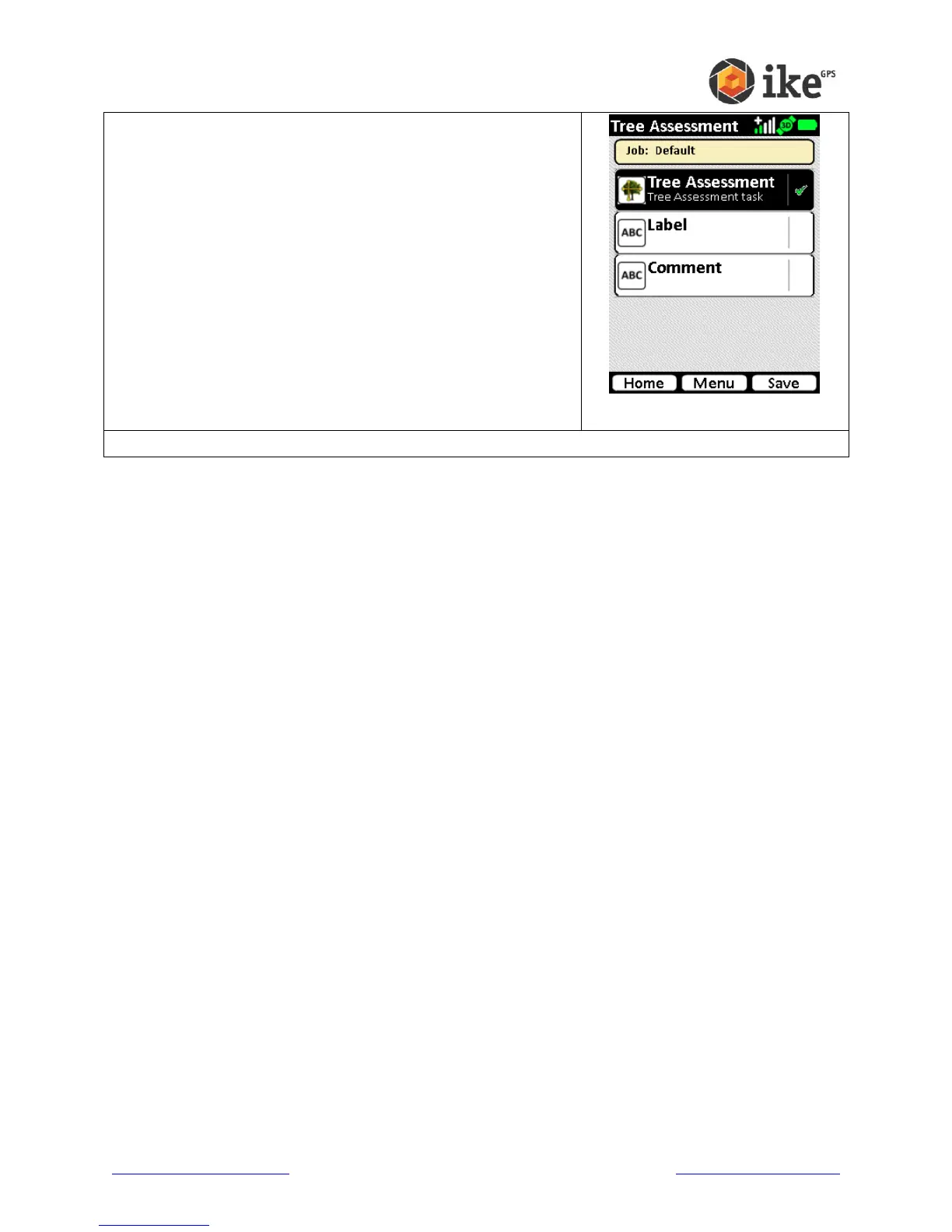
The camera will click, and depending on camera settings,
will revert to the Tree Assessment selection screen. Where
there is a successful recording a green tick will appear
alongside the task.
From here the information can be abandoned (tap the Home
button), retaken (tap Tree Assessment again to delete the
photo and re-enter the video preview), and data entered into
non-mandatory Label and Comment fields.
Tap the Label task button to enter the Label entry screen.
Tap the Comment task button to enter the Comment entry
screen.
Tap the Save button to save the target without
Label/Comments recorded.
Tap the Home button to abandon the target and delete the
recorded data.



 To Next Page