www.ikegps.com/quickstart Page 61 www.ikegps.com/support
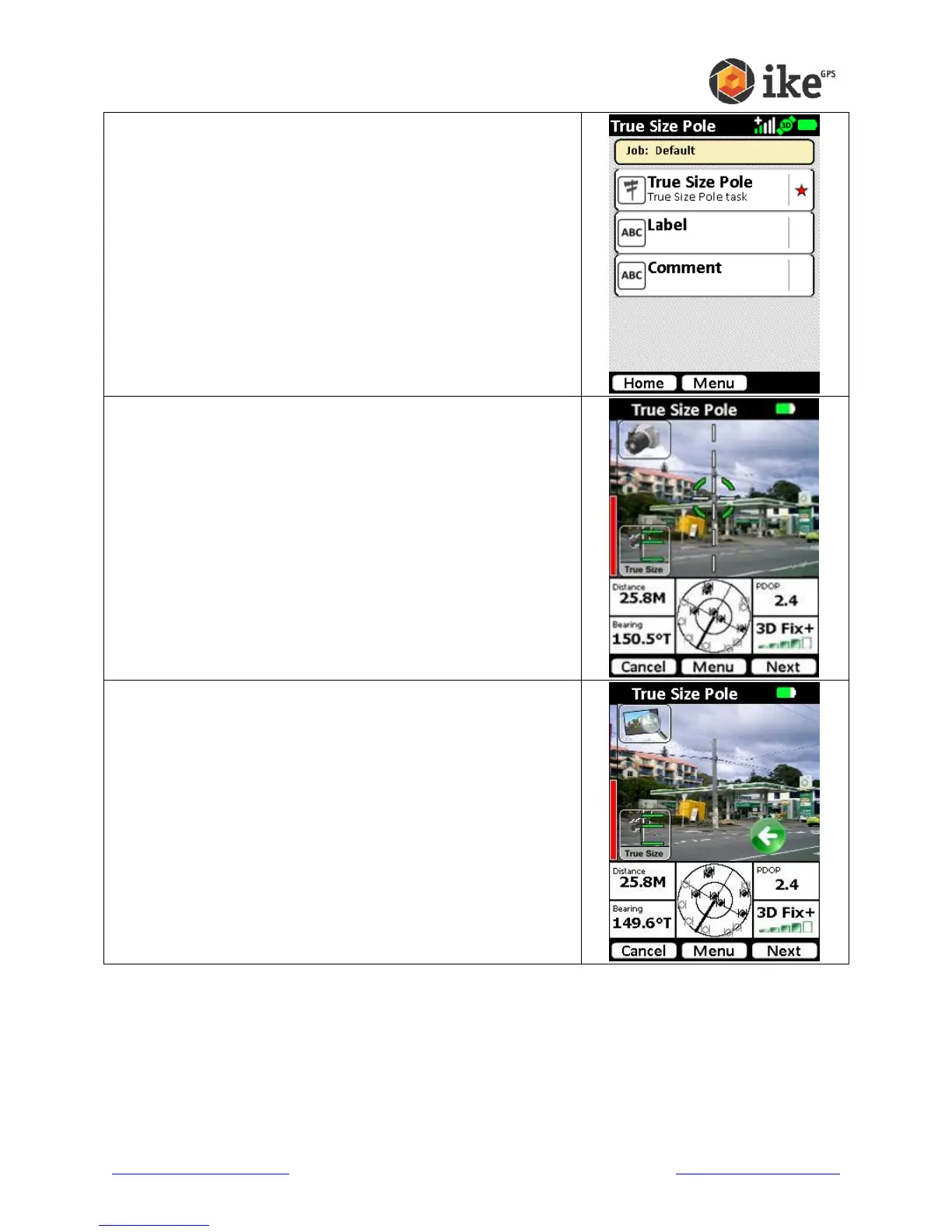
The default tasks for the True Size Pole ikeTool will be
shown. A red star will indicate the mandatory tasks.
Tap the True Size Pole task to start the video preview
screen.
To use this mode, aim the ike to compose your scene with
the pole in the center of the preview.
The vertical part of the crosshair should align with the
vertical pole
Tap the Next button to capture the target. Depending on
settings, the camera click noise will be made and either the
Review or Task screen will be displayed
Where enabled, the Review screen will show the captured
target photo.
Tap the back button (green arrow) to abandon the photo and
retake the target.
Tap the Next button to save the photo and move to the task
screen.



 To Next Page