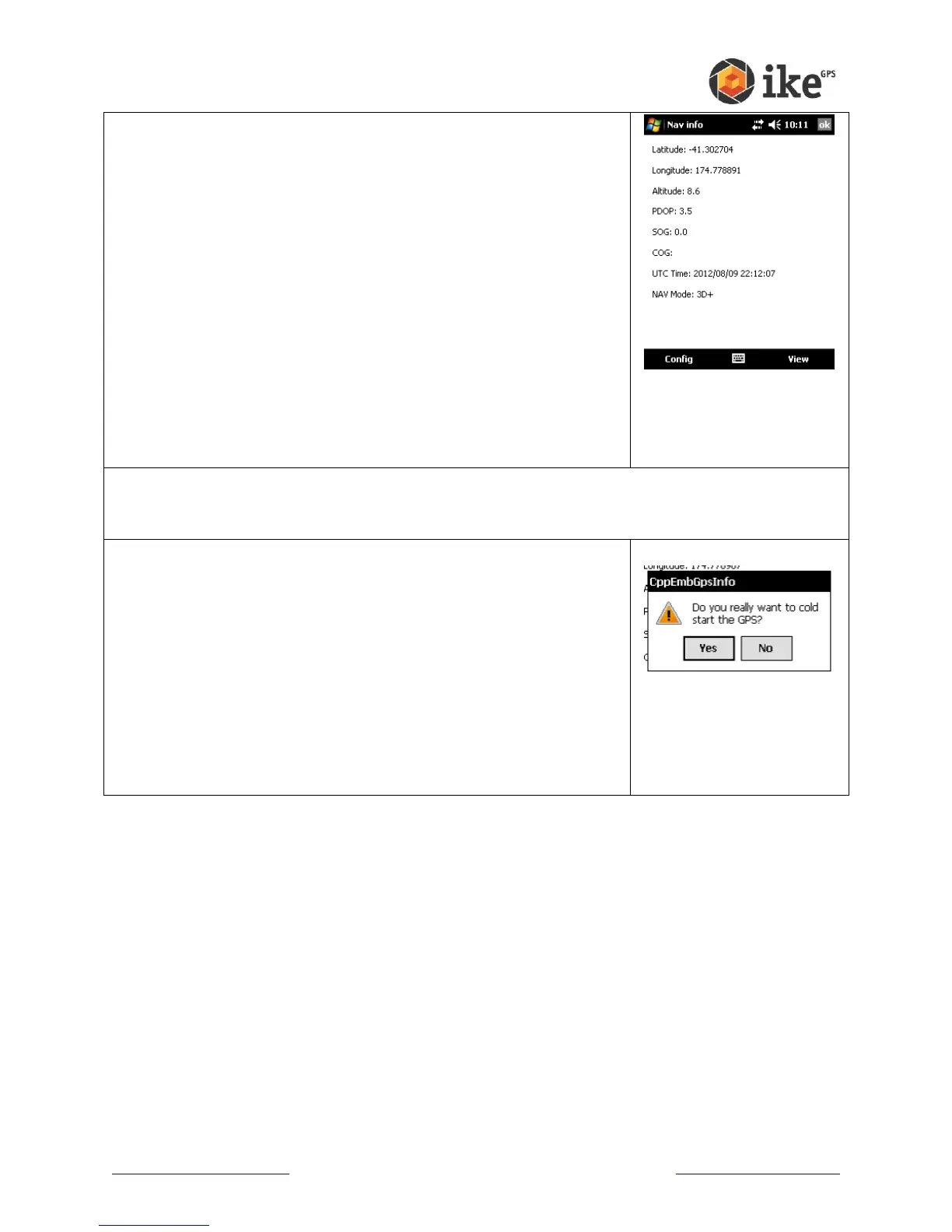
Nav Info
This screen gives the navigational information of your ike.
Latitude and Longitude are the users geospatial
coordinates.
Altitude is the height above sea level in meters.
PDOP is a measure of the positional accuracy of the GPS
reading.
SOG gives the Speed Over Ground in meters per second.
COG gives the Course Over Ground. This value is only
meaningful if your ike is physically moving.
UTC Time gives the current Universal Time Code date and
time.
Nav Mode is the navigational status of GPS Fix. A 2-D (two
dimensional) fix only includes latitude and longitude data. A
3-D (three dimensional) fix also includes altitude data. The
available constellation of satellites available affects whether
altitude can be calculated.
Cold Start
Should your ike unit be taking a long time to get a useable GPS
fix, the GPS can be forced to restart and require a completely
fresh almanac from available satellites. A full Cold Start and
almanac refresh can take up to 30 minutes depending on local
satellite coverage.
Tapping the [Yes] button at the ‘Do you really want to cold start
the GPS?’ prompt will flush all current information in the GPS
and force it to reacquire this data. Tapping [No] will cancel the
Cold Start request.
Settings
This is a shortcut to the ike Settings ‘GPS’ tab.



 To Next Page