Page 22 Setup and Assembly Manual
A.11.2 Turning-off the WideTEK 25 by the Touch Panel
Always turn off the WideTEK 25 scanner with the Stop button on
the touch panel!
The main power switch should only be used before the scanner is
disconnected from the electrical outlet.
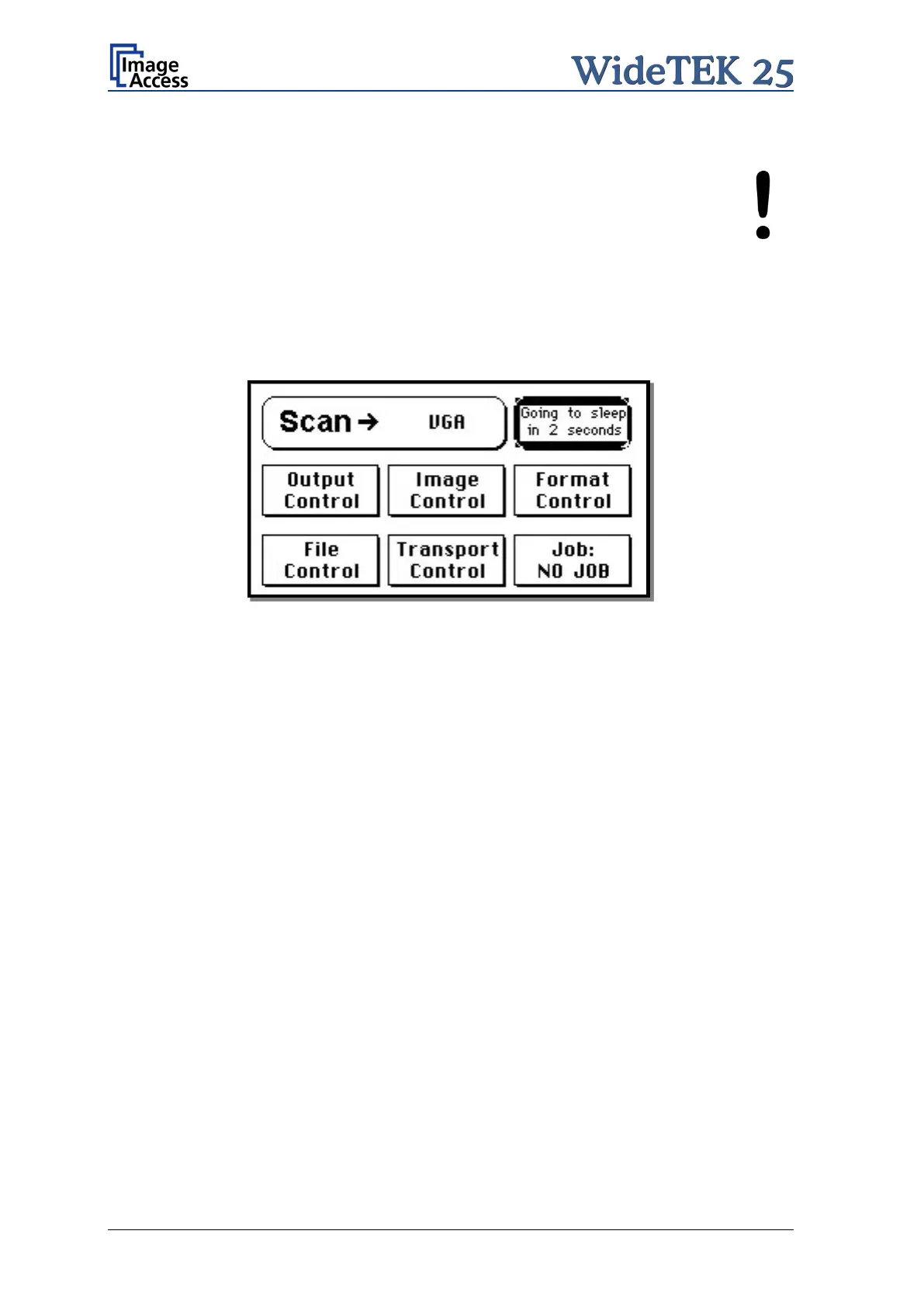
To turn off the WideTEK 25, press and hold the Stop button on the touch panel.
While the Stop button is held, a counter in the button shows the remaining time until the
WideTEK 25 is powered down.
Picture 9: Touch panel while shut down in progress
At the end of the power down sequence, the display will be dimmed.



 To Next Page
 Loading...





