Setup and Assembly Manual Page 27
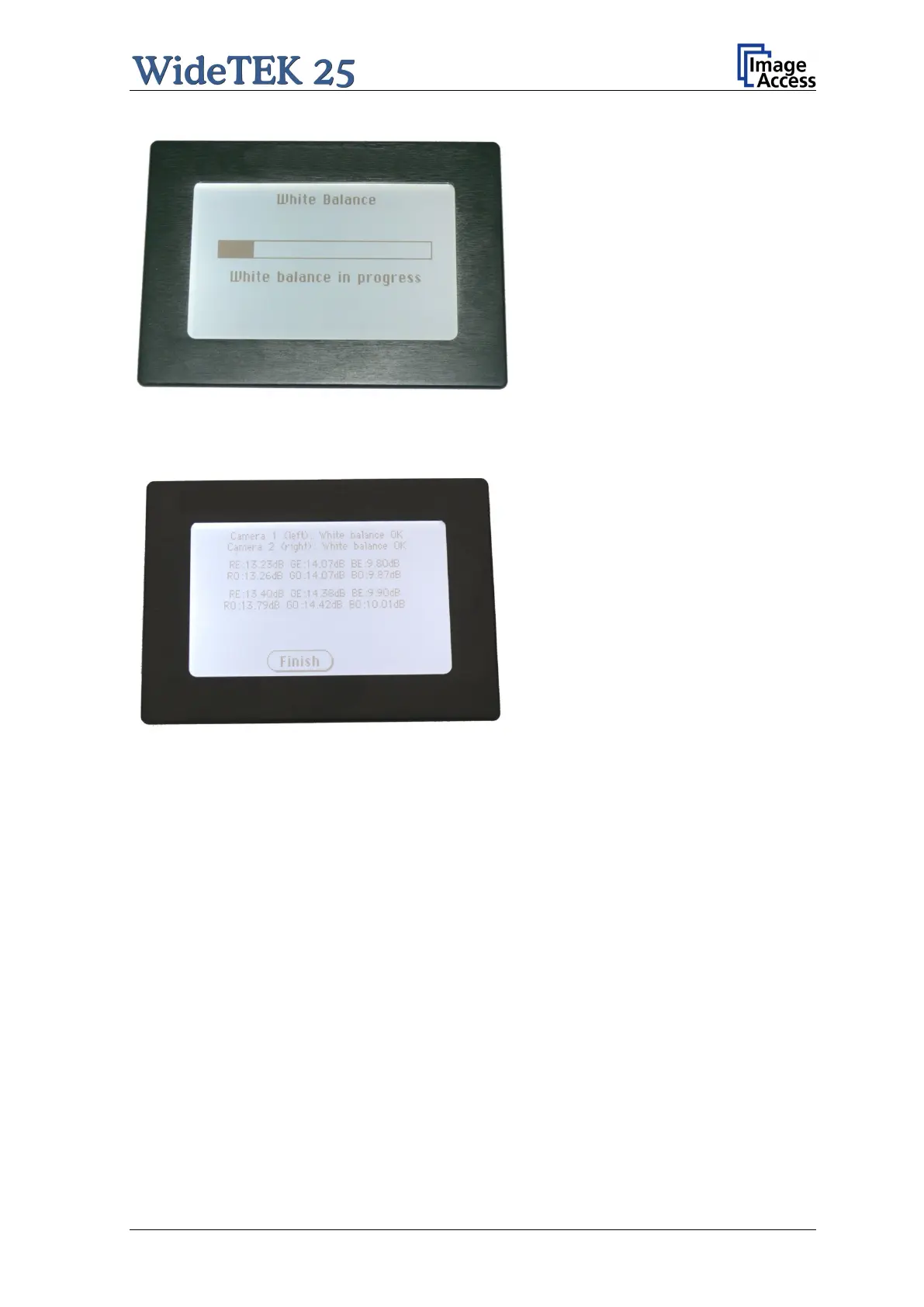
Picture 16: Progress indicator
While the white balance adjustment is
running, the touch panel shows a
progress indicator.
Picture 17: White balance result
At the end of the measurement the
result will be displayed in the touch
panel.
Tap on the field Finish to return to
the menu Self Test 1.



 To Next Page
 Loading...





