Page 56 Setup and Assembly Manual
C.4.2 Scan IT8 Test Target
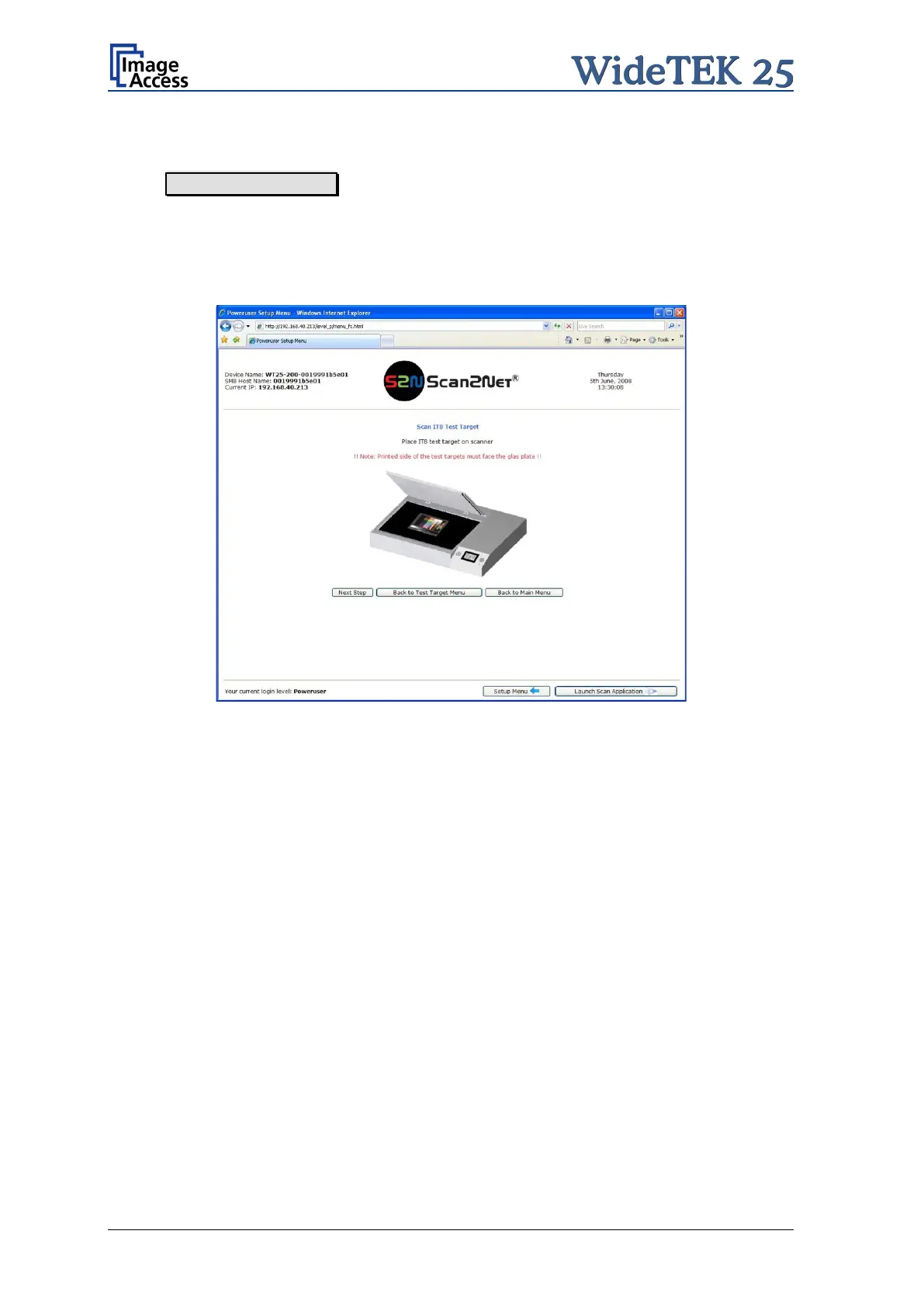
When Scan IT8 Test Target is selected, the next screen shows how to position the
target on the document table.
Note: Place the IT8 test target with the printed side on the glass plate.
The picture on the screen shows the target with the printed side up. This is only to help
identifying the test target.
Picture 54: Position of IT8 test target on the glass plate
The test target will be scanned and the image will be saved to a directory which is defined
by the user. The saved image can be used for support purposes.


 To Next Page
 Loading...





