Page 36 Setup and Assembly Manual
B.3.3.1 Set Volume
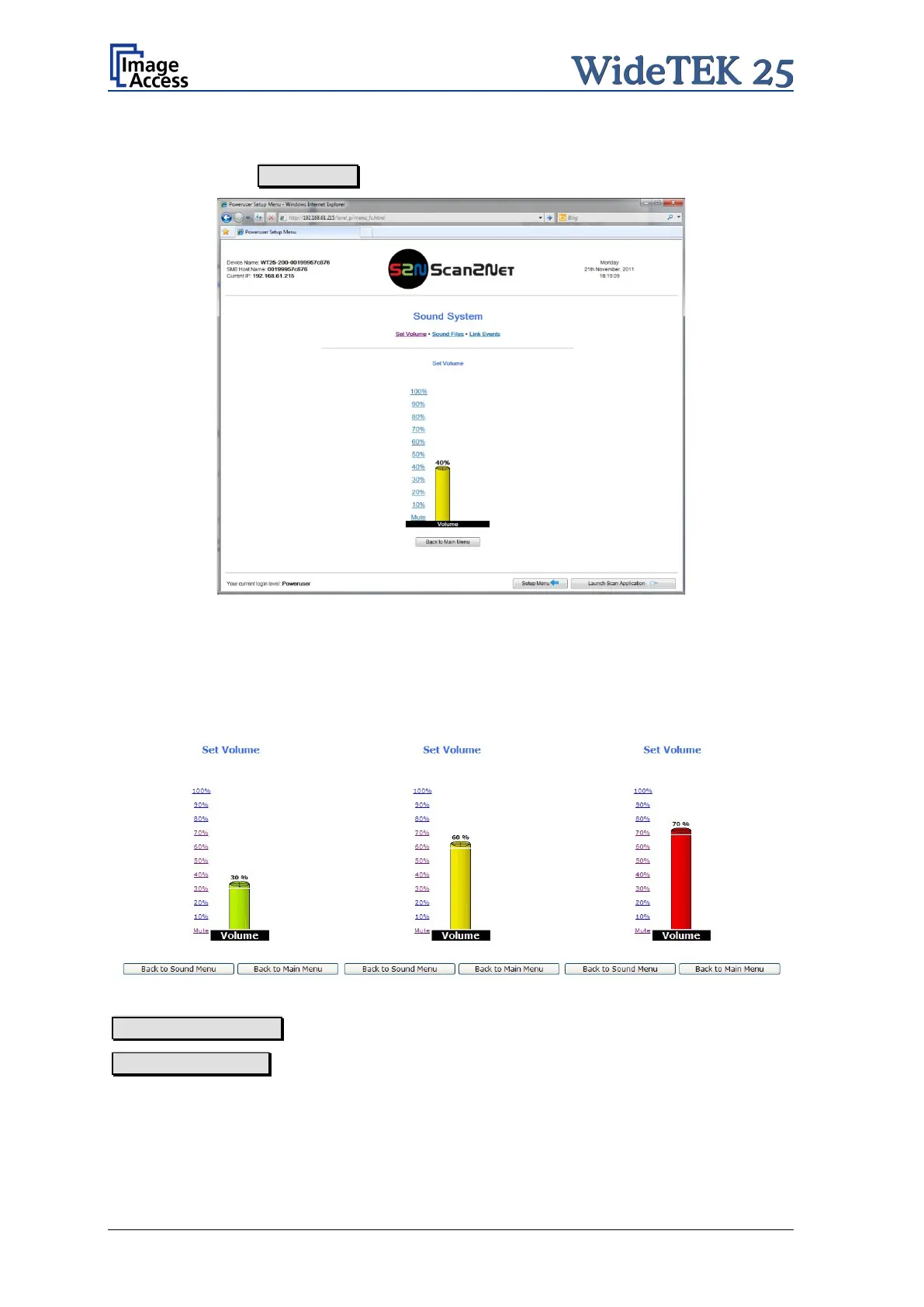
Click on the button Set Volume .
Picture 28: Volume level displayed
To set the volume level, click on the desired percentage value in the list left beside the
graphic symbol.
The symbol color changes depending on the selected value.
Back to Sound Menu returns to the former menu.
Back to Main Menu returns to Poweruser main menu (Picture 20).


 To Next Page
 Loading...





