Page 50 Setup and Assembly Manual
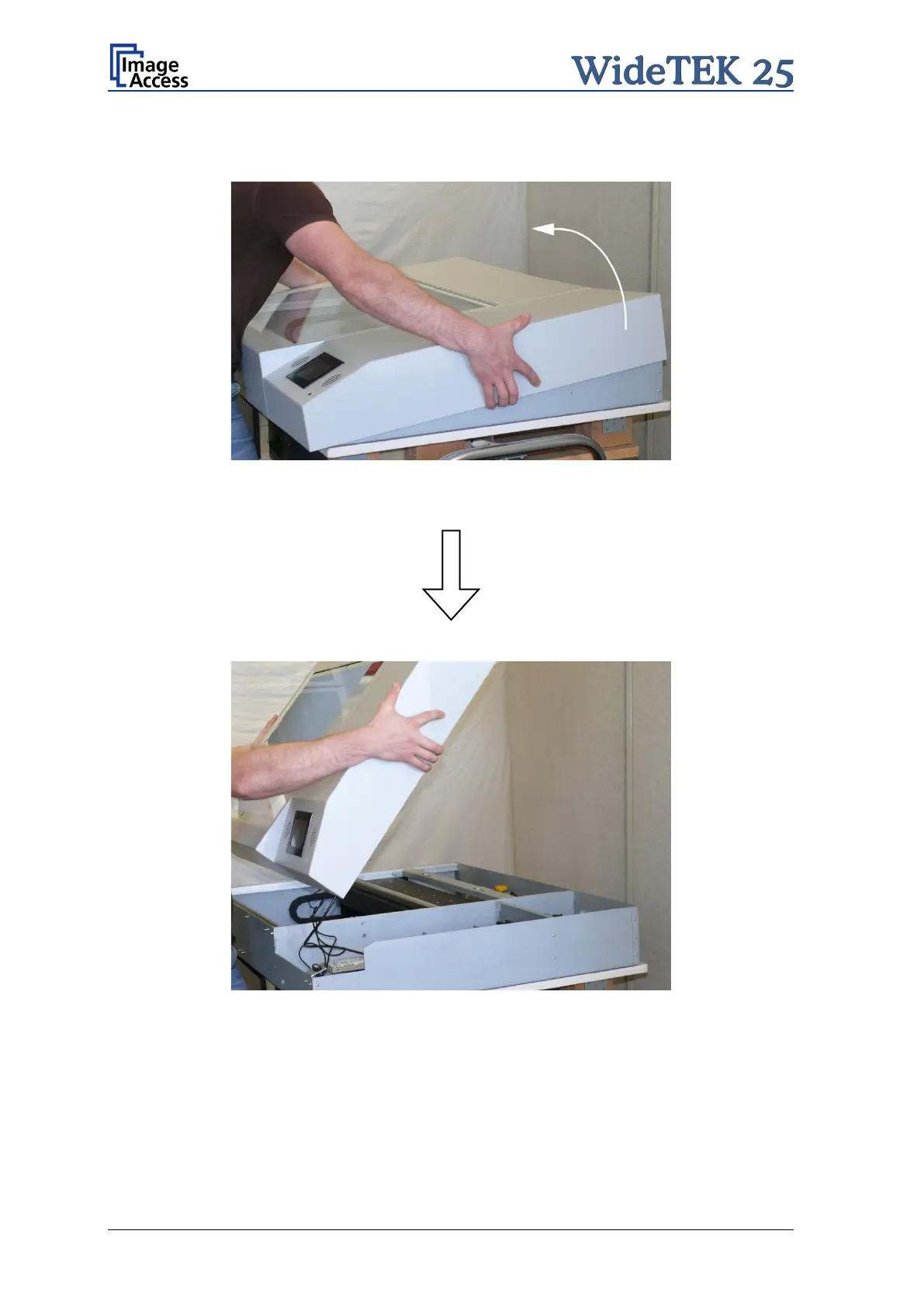
Hold the device cover at the left and right side and lift it up in the arrow direction as shown
in the pictures below.
Picture 46: Lifting the device cover in arrow direction
Picture 47:Separating device cover from device body
Because of the limited cable length it is recommended to place the device cover on the
front part of the device body. A second person should hold the device cover for the
following steps.


 To Next Page
 Loading...





