Page 52 Setup and Assembly Manual
C.2 Assembling the Device Cover to the Device Body
The device cover is assembled to the device body in reverse order as described in the
previous chapter C.1.
First connect the audio cable (Picture 48) and the signal cable (Picture 49) to the touch
panel board.
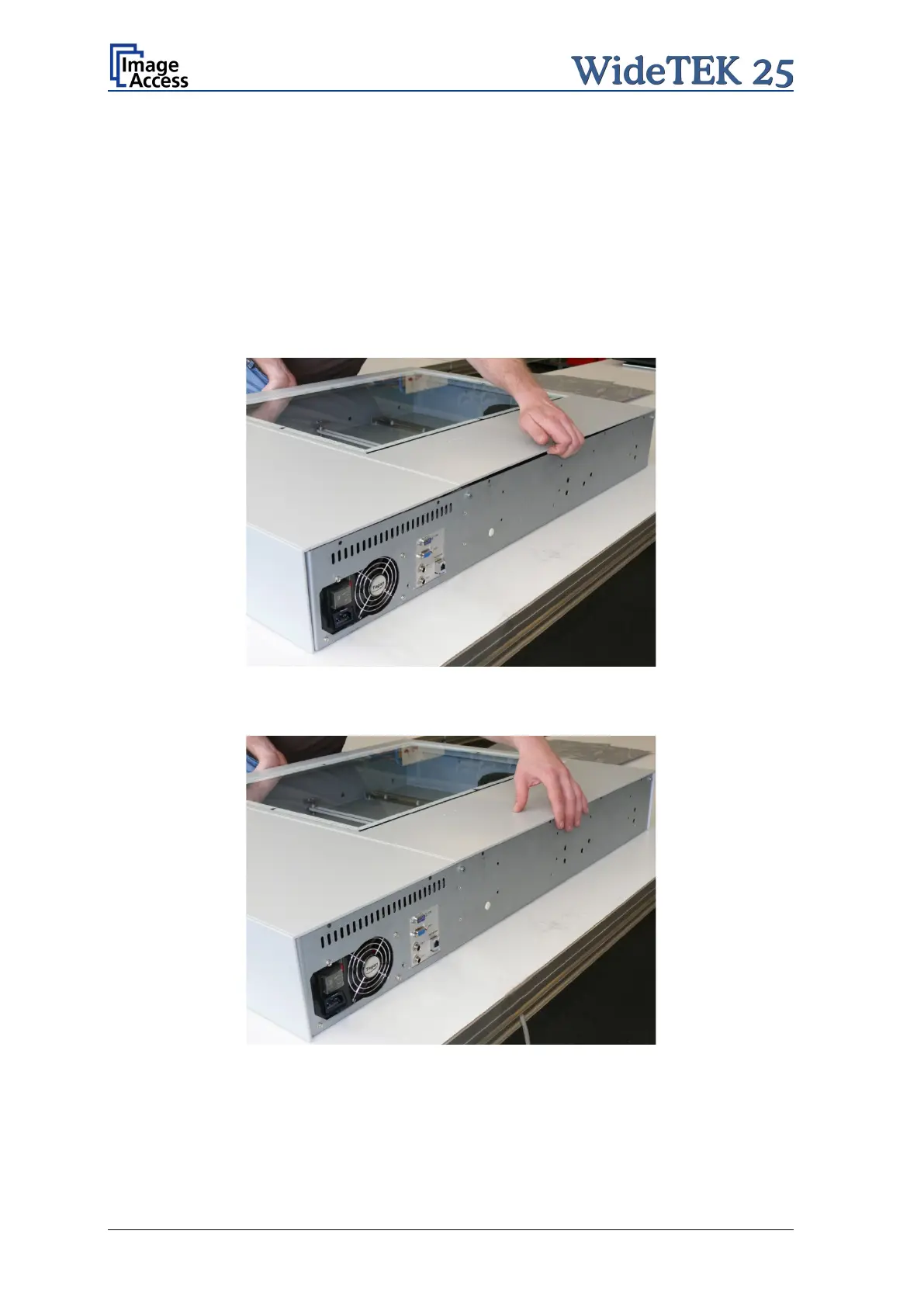
At next slide the device cover onto the device body. Stop shortly before the device cover
comes to the back edge of the device body.
Lift the device body at its back side a little …
Picture 50: Lifting the device cover
…and then slide it carefully into its end position.
Picture 51: Device cover in end position
Watch the alignment pins on the front side. They should slide only a little into their
boreholes.



 To Next Page
 Loading...





