Page 44 Setup and Assembly Manual
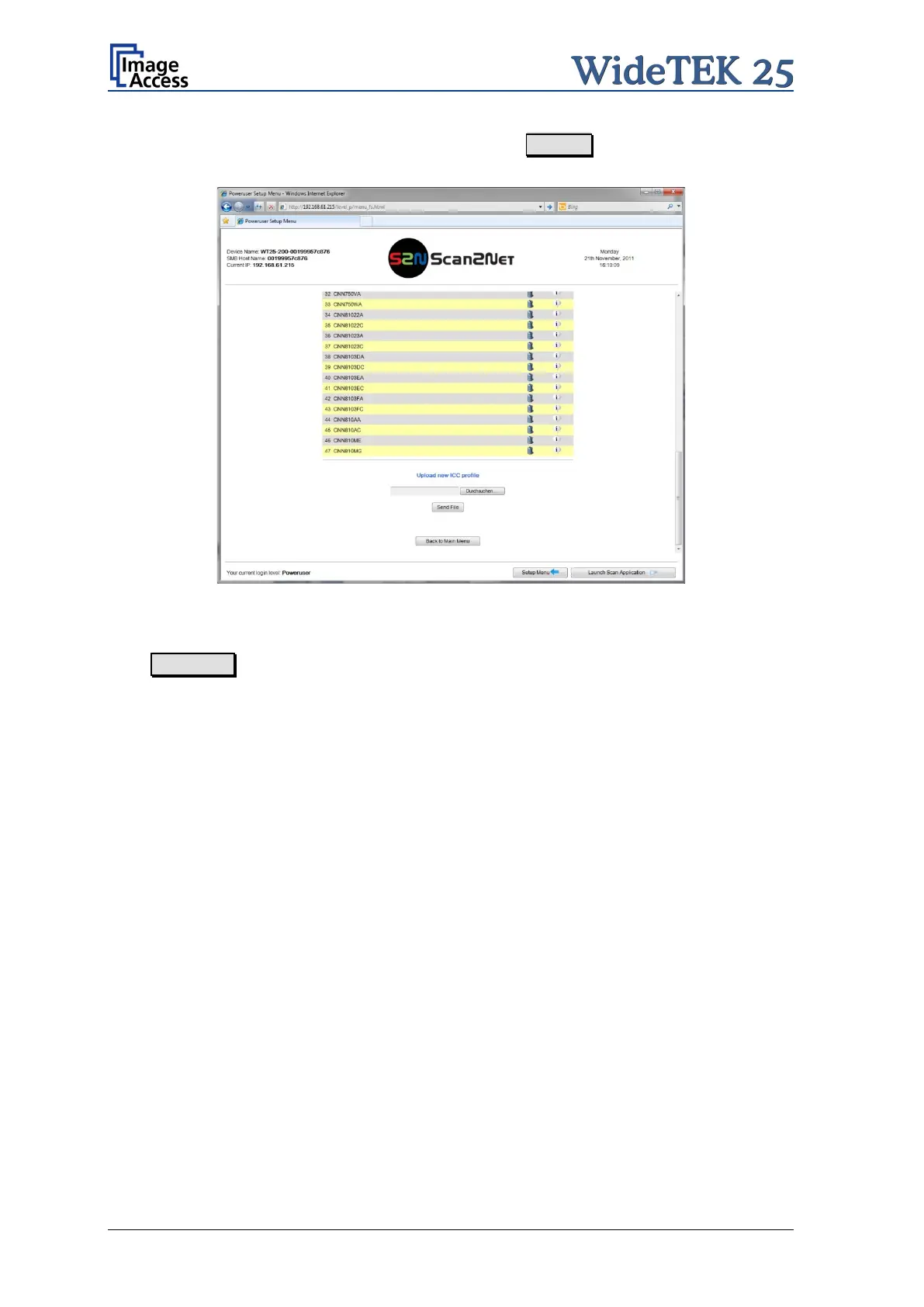
To upload a printer ICC profile, click at the Search button in the section
Upload new ICC profile
Picture 37: Upload new ICC profile
Select a previously downloaded ICC file.
With Send File the ICC profile will be transferred to the scanner.
It will be added to the list of printer ICC profiles.



 To Next Page
 Loading...





