Setup and Assembly Manual Page 41
B.3.5 Install ICC Profiles
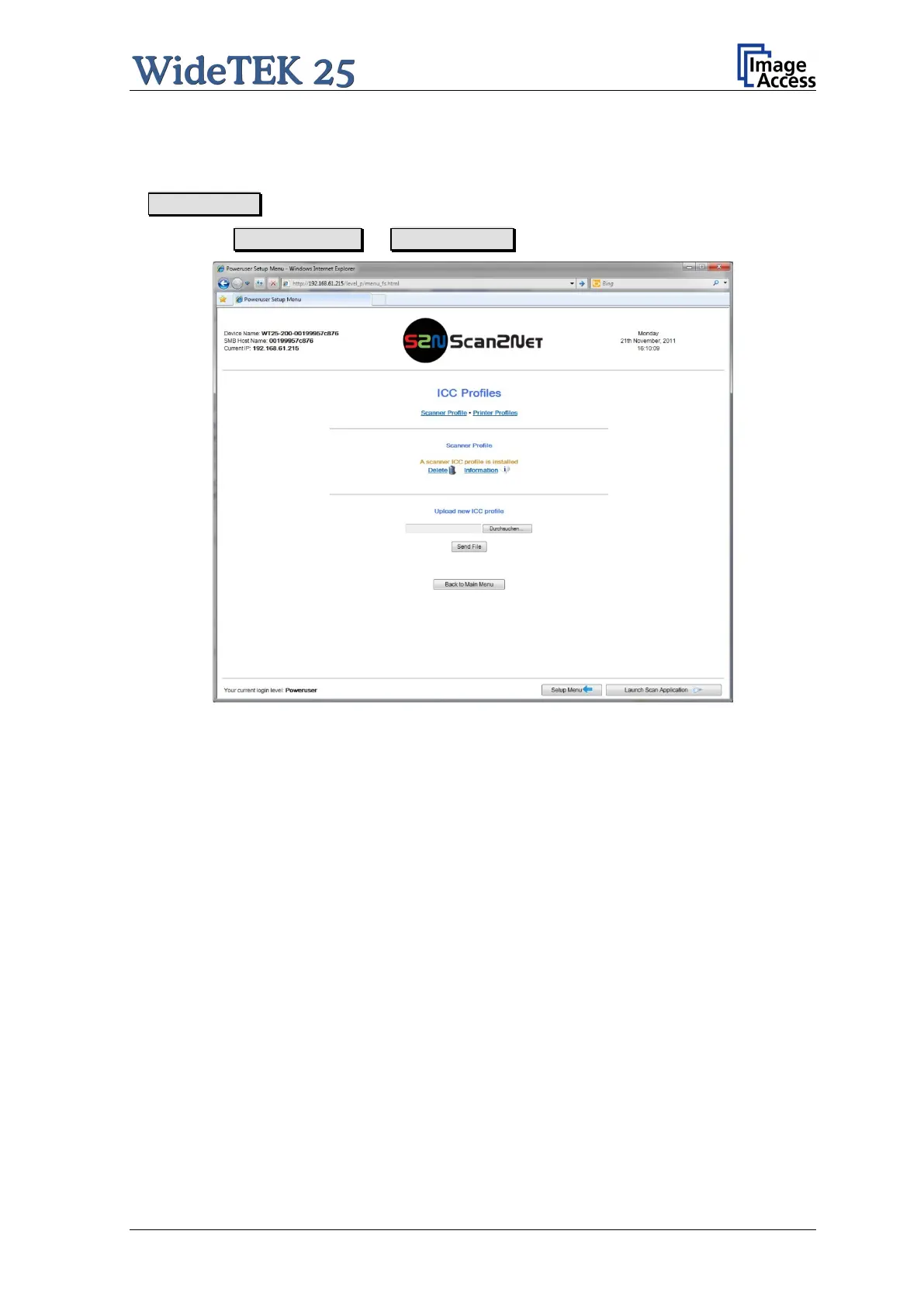
Find the section Updates & Uploads in the Poweruser main menu screen and g o
to ICC Profiles .
Select either Scanner Profile or Printer Profiles .
Picture 33: Select ICC Profile
The ICC profiles data will be integrated into the image files. ICC profiles match the color
space between scanner and i maging software or the color space between scanner and
printer.
By using ICC profiles scanned images can be reproduced with correct adapted colors.



 To Next Page
 Loading...





