Setup and Assembly Manual Page 47
B.3.8 Brightness Correction
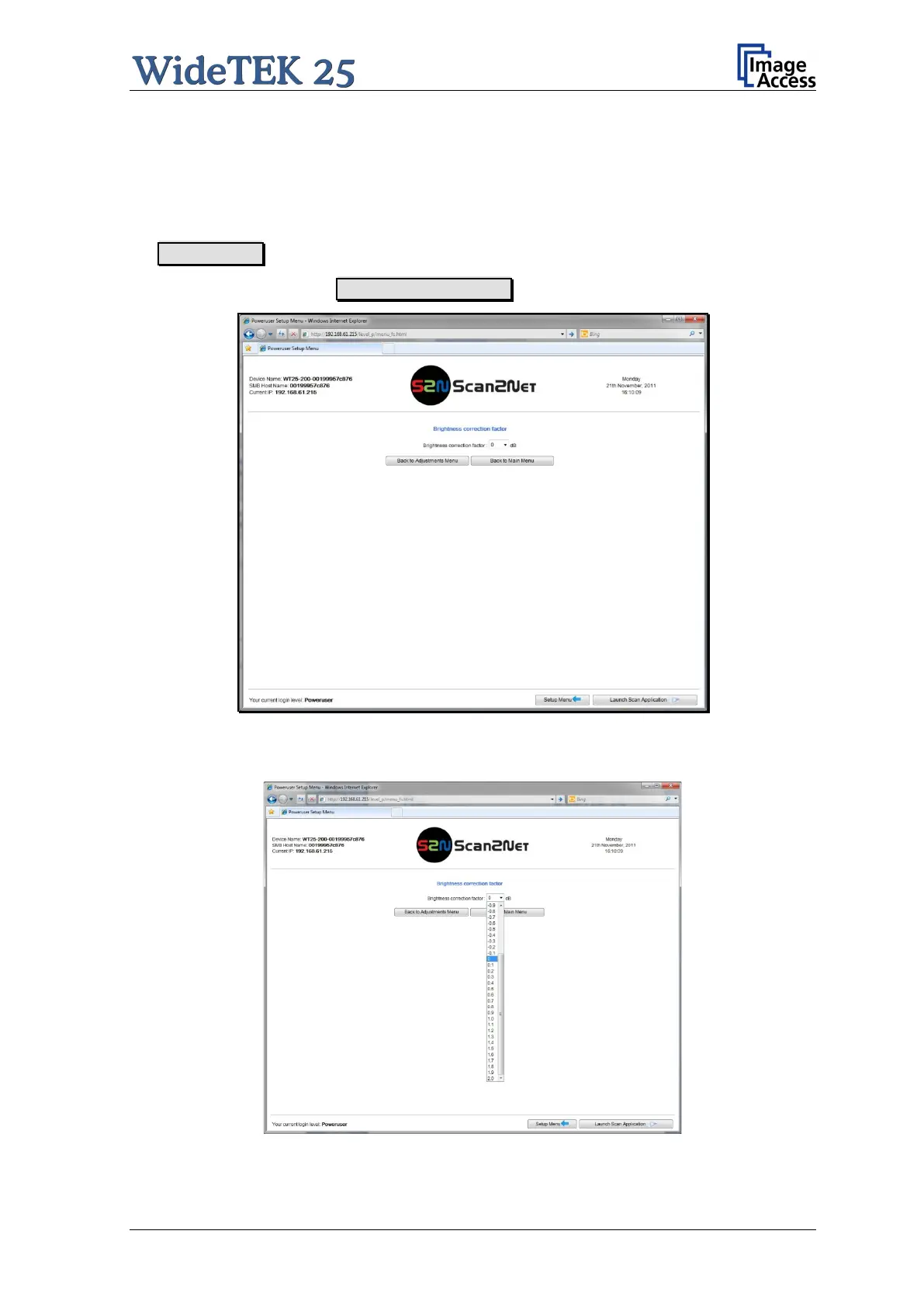
This function allows adjusting the gain of the brightness correction in an +/- 2 (dB) interval.
Negative values reduce the brightness, positive values increase the brightness.
Find the section Adjustments & Support in the Poweruser main menu screen and click
on Adjustments .
In the next screen click on Brightness Correction .
Picture 40: Brightness Correction screen
Click on the selection arrow and select from the list the desired value.
Picture 41: Correction factor list


 To Next Page
 Loading...





