Setup and Assembly Manual Page 31
Please notice: The description of the User Settings can be found in the operation
manual, chapter The SetupScreen.
B.3.1 Setting the Network Parameters
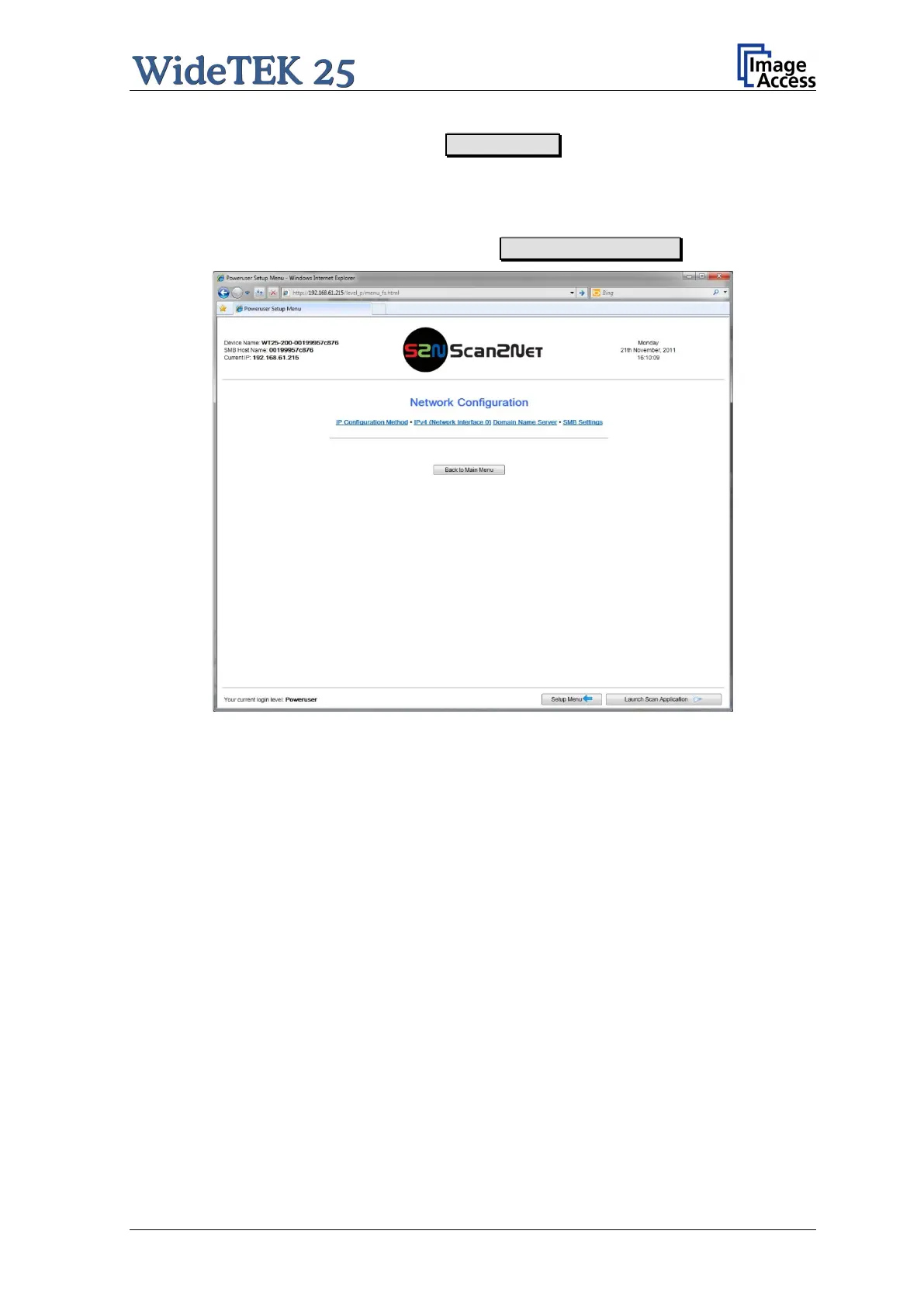
Find the section Base Settings and click on the Network Configuration button.
Picture 21: Network parameters of the scanner
The screen shows a list of links to the network configuration sub-menu. Click on the link to
open the specific mask and to change the respective parameter.



 To Next Page
 Loading...





