NanoPhotometer
®
N120/NP80/N60/N50/C40 User Manual Version 4.3.1
123
STORED METHODS
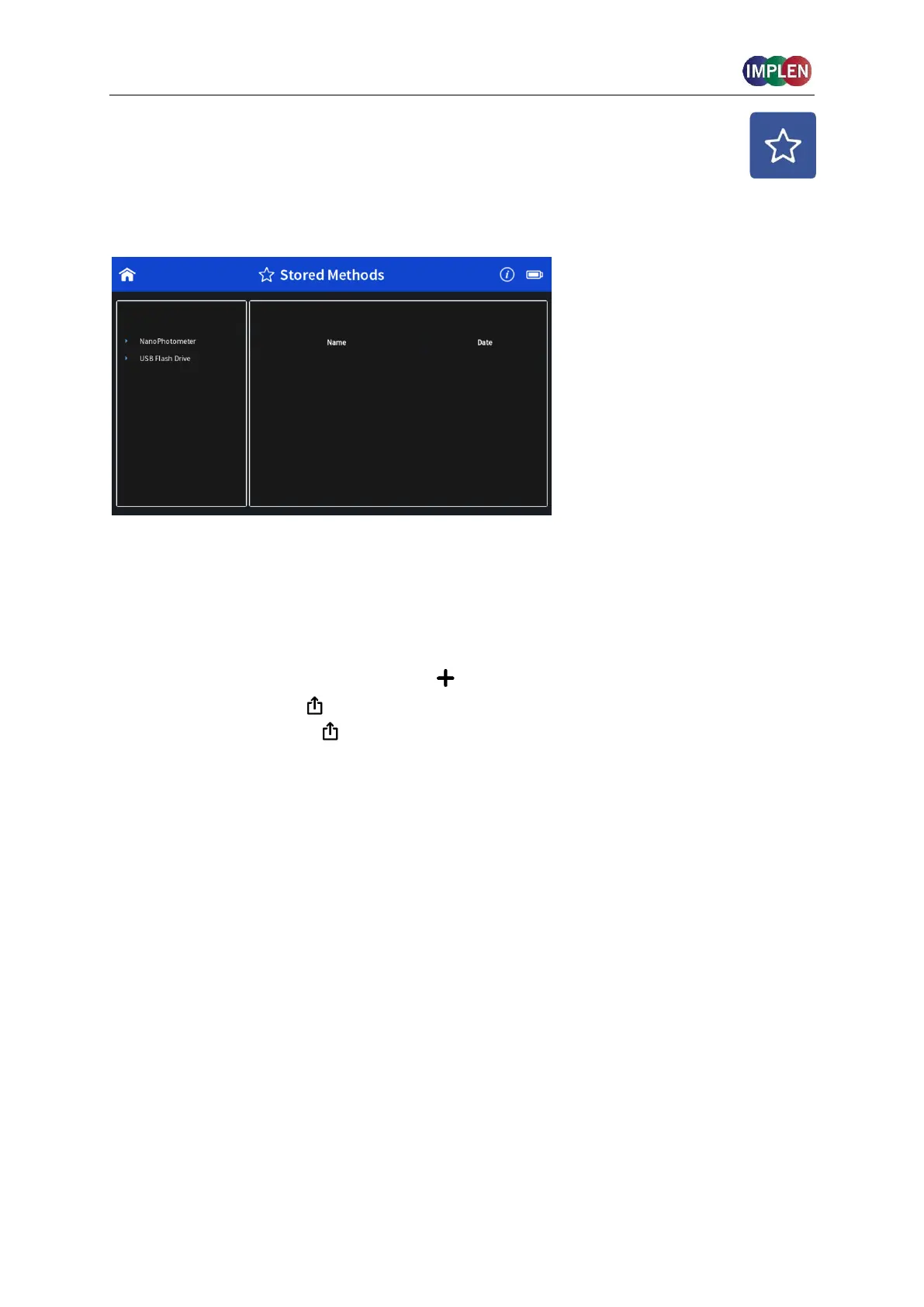
The stored methods icon opens the directories of folders containing methods stored by the
user.
On the left side of the screen all available directories/storages are shown:
NanoPhotometer
®
, Control Device, Network and/or USB flash drive (depending on
availability). Pushing a storage folder shows the subfolders of this method folder on the left
side and the individual files on the right side. On the right side of the screen all saved
method files of the selected folder are shown and can be opened by a long or double click.
On the top of the right area the file path of the selected folder is shown.
New folders can be created by pushing on . Folders can be deleted, renamed, moved or
copied by pushing on the icon. It is also possible to delete, rename, move or copy
methods by pushing on the icon.



 To Next Page