NanoPhotometer
®
N120/NP80/N60/N50/C40 User Manual Version 4.3.1
132
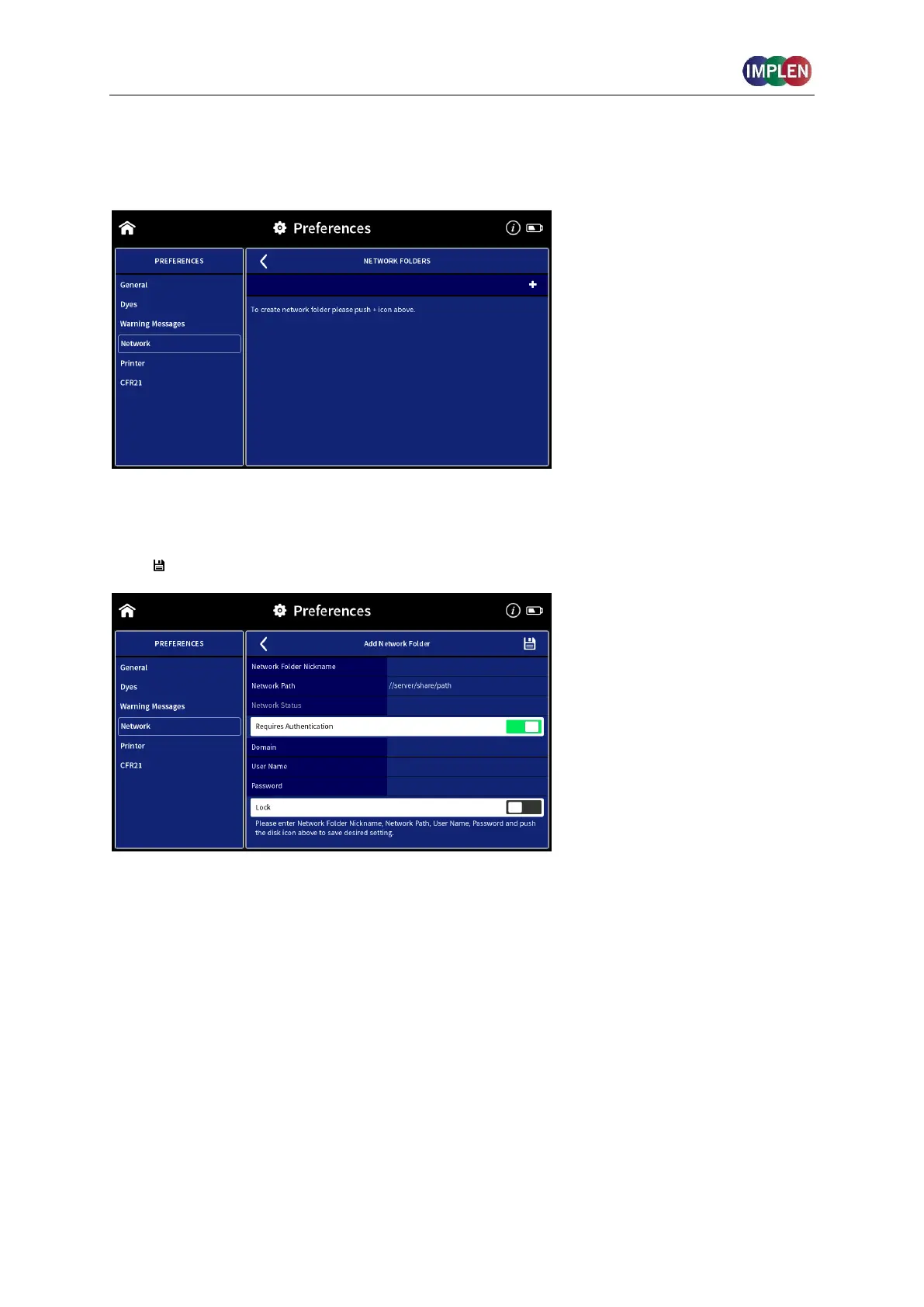
NETWORK FOLDER
The network folder preferences allow creating network folder for saving data directly from the
NanoPhotometer
®
to a network folder.
To add a network folder push the + icon and enter network folder nickname and network
path of the network folder. If the local network requires authentication enter user name and
password for login and if necessary the domain. To save the Network folder push the disk
icon ( ).



 To Next Page