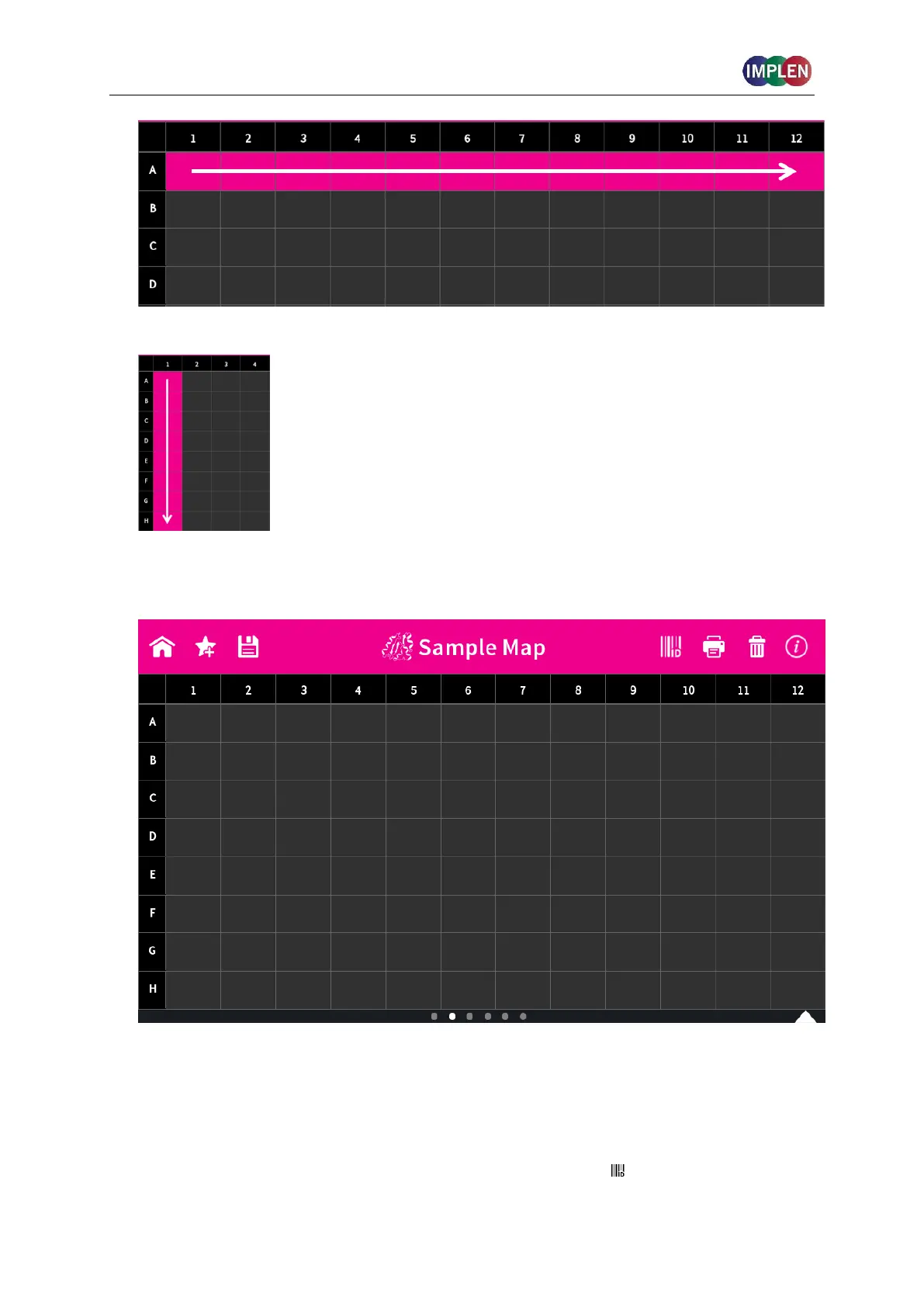
10. To confirm the parameter setting, swipe the screen to the left and the sample map screen
is shown.
The sample map offers the possibility to select cells and define sample IDs for
measurements. It is not necessary to make a selection. If cells are left empty without
defined sample IDs for horizontal and vertical sample loading, all 12 positions for
horizontal loading and all 8 positions for vertical loading are measured.
To measure a defined amount of samples select a cell pattern starting at A01.
Sample IDs can be defined by pushing on the sample ID icon ( ) in the navigation bar.



 To Next Page