2. To change between NanoVolume and cuvette application, use the
Change to Cuvette/NanoVolume button below the parameter area
(NP80/C40 only).
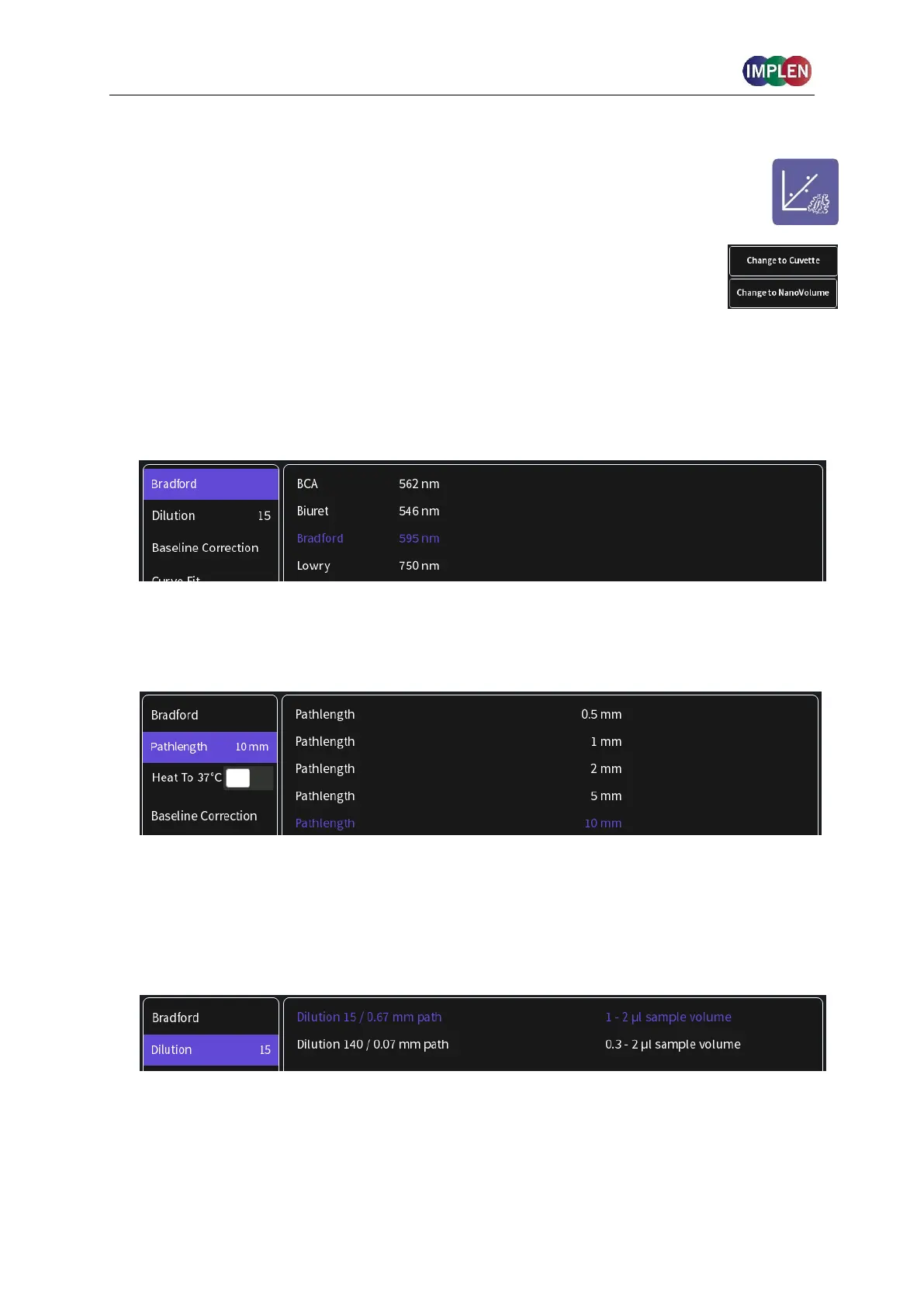
3. To change the assay type push on Bradford and a list with available options opens on the
right side.
Options are: BCA Assay, Biuret Assay (cuvette only), Bradford Assay, Lowry Assay (not for
N50)
4. For Cuvette Application:
Select the path length depending on the used cuvette.
Options are: 0.5 mm, 1 mm, 2 mm, 5 mm and 10 mm
If it is desired to heat the sample to 37°C use the toggle switch to turn on cell holder heater.
When the cuvette holder has reached 37°C the toggle color changes to green.
Note: Only available for cuvette applications (NP80 and C40).
For NanoVolume Application:
Select the dilution depending on the sample concentration
Note: There is no automatic path length setting available in this method. Select either a
virtual dilution of 15 (path length 0.67 mm) or of 140 (path length 0.07 mm) depending on
your sample concentration.



 To Next Page