Implen OD600
®
User Manual Version 1.0
14
Icons
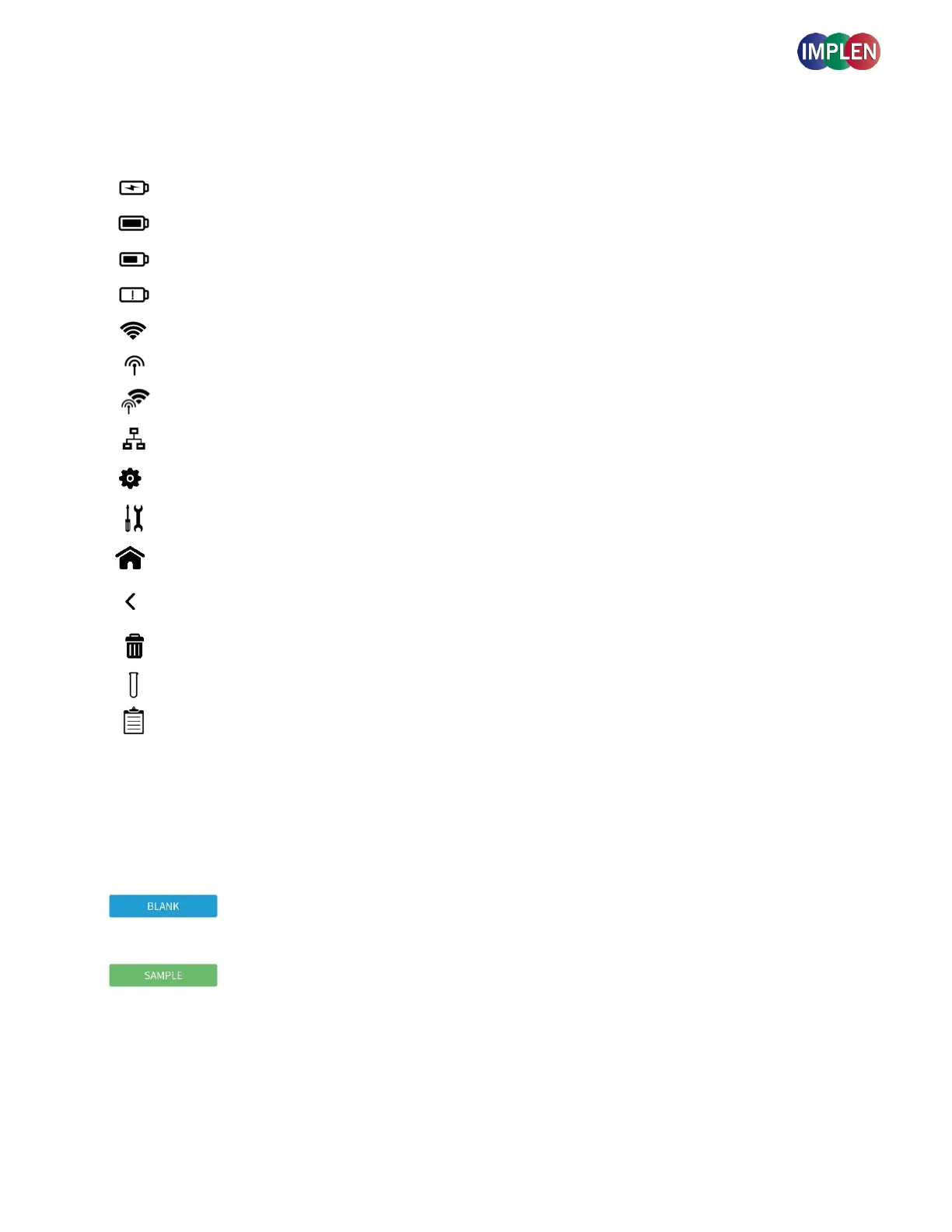
Shows the actual battery status
Battery critically low, please re-charge immediately
Wi-Fi Network & Wi-
Fi Hotspot
Wi-Fi Network & Wi-Fi Hotspot active
Returns to the home screen with application icons for method selection.
Returns to the previous page
Opens a delete dialog pop up
Opens a menu of container types from which you can choose your desired container
type
Opens a sample list of sets containing all measurement data with further action options
including delete and export of data files.
Buttons
Prior to any sample measurement at the start of a new method a blank measurement of either water or the
buffer of the samples is required to give the Implen OD600
®
a reference of what zero should be. It is
recommended to re-apply the blank and measure it as a sample to ensure the graph of the blank spectra
is a flat line.
To initiate the measurement of the sample press the sample button. The data will be stored automatically
in the sample list function.



 To Next Page