Implen OD600
®
User Manual Version 1.0
15
General Applications
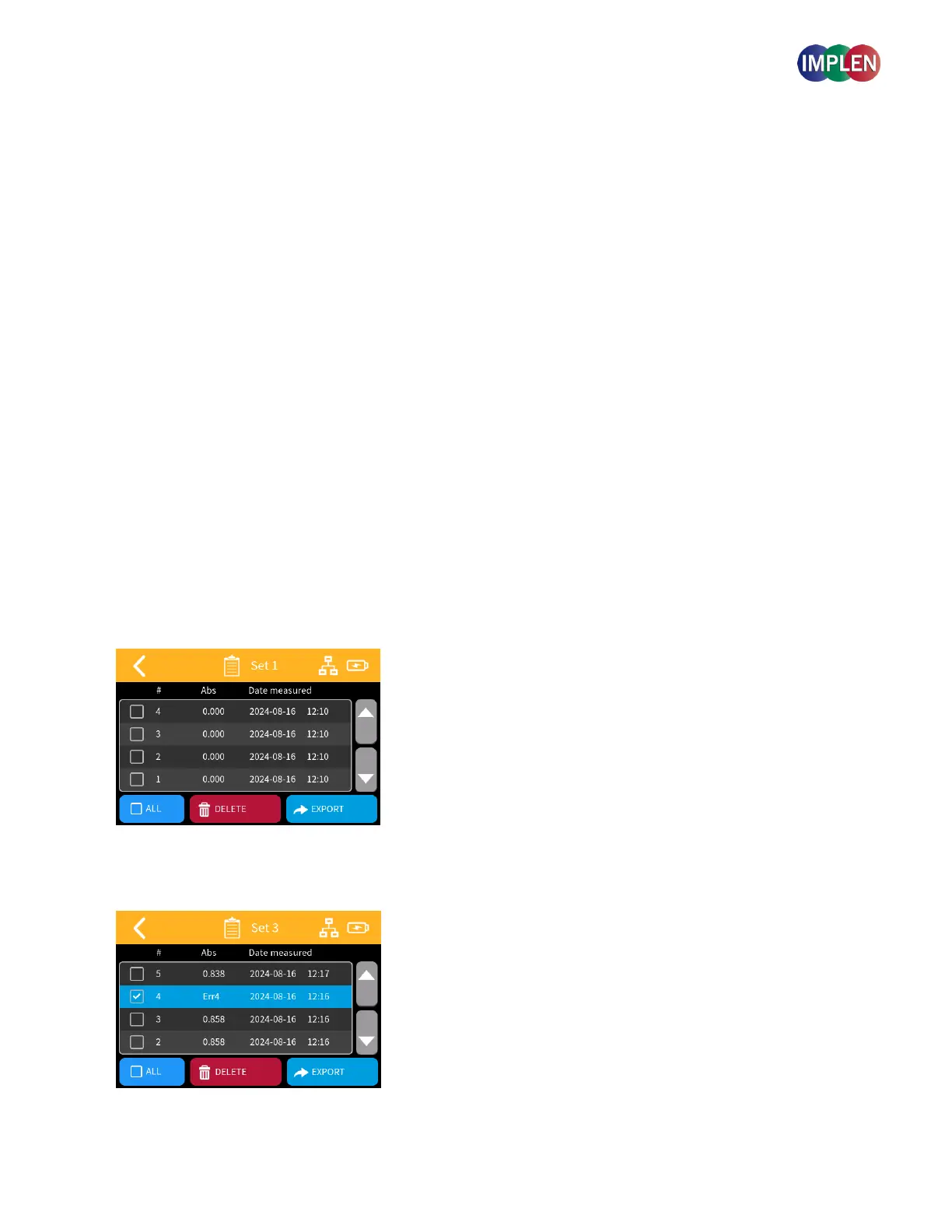
Sample List
This section will guide you through using the Sample List to view, manage, and export your sample measurement
data. All data will be auto-saved to the Sample list.
1. Accessing the Sample List:
From the main OD600 or McFarland Application pages, tap on the Sample List icon.
A new page will open, displaying a list of your previously measured samples.
The Sample List is scrollable for easy navigation.
Use arrows next to the table to move through the list.
2. Sample Measurement Sets:
Sets are listed in reverse chronological order, labeled with a Set number and creation date/time.
Measurements are grouped into sets of experiments.
Each set represents a session of using the app, from opening to closing of the application.
To select a sample or set, tap on the corresponding row. Selected items will be highlighted in blue.



 To Next Page