Implen OD600
®
User Manual Version 1.0
25
Measurement Protocol
1. Getting started
To begin using the McFarland application, simply tap on the icon displayed on your device's Home screen.
2. Select a tube type
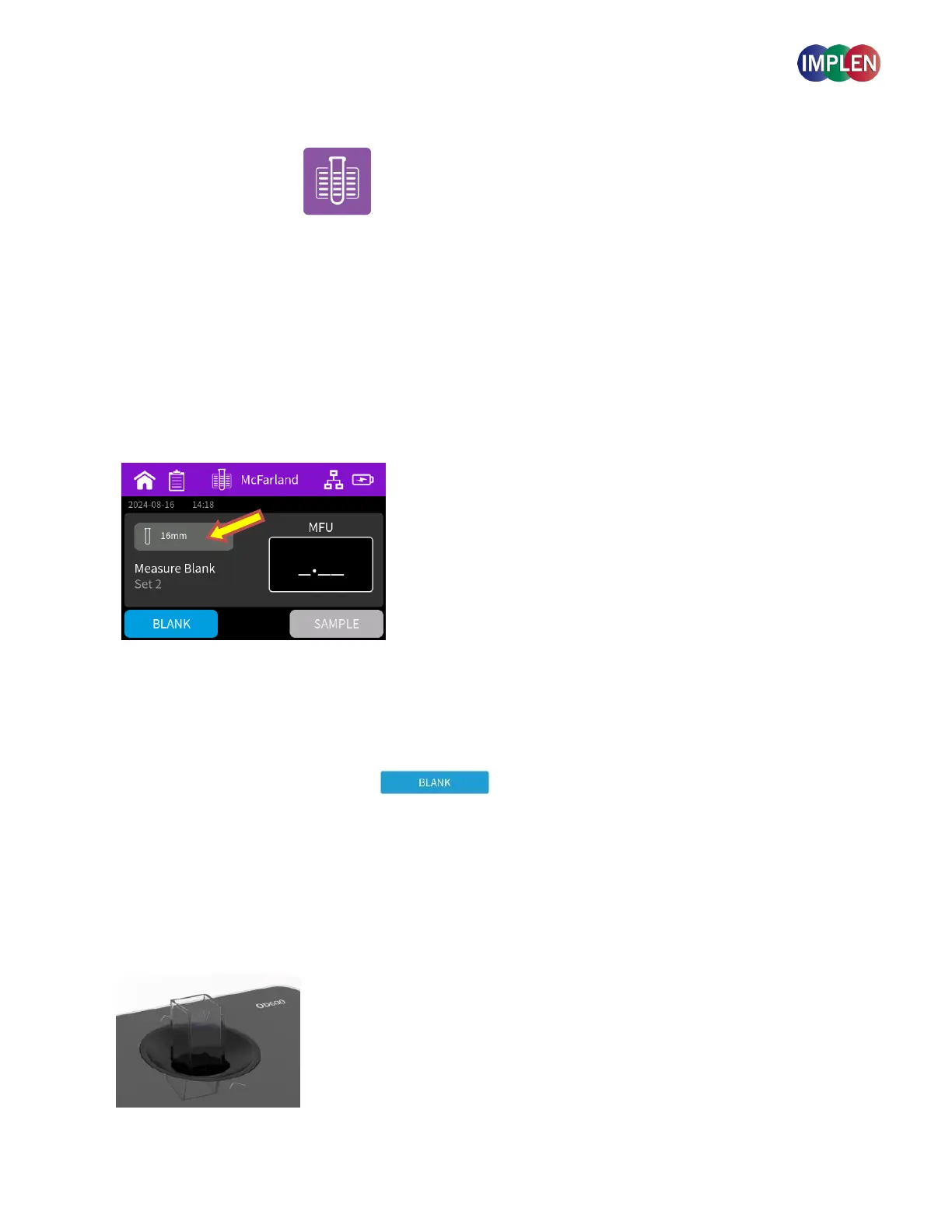
The default calibration curve provided is for the 16 mm test tube.
If you wish to use a different calibration curve or test tube, click on the button displaying the tube type and select a
different one.
If no custom calibration curve has been saved previously, you will need to establish a new calibration curve. For
instructions on this process, please refer to the manual section Container Selection & Calibration above.
Note: The default 16mm tube calibration curve was generated using the McFarland standard set from Company ProLab,
Serial Number 395123, traceable to 260-140 SD2350, with a calibration date of February 27, 2024.
Note: Please be aware that standards can vary between batches and supplier. For optimal accuracy, it is recommended to
create your own calibration curve using your own standards, as these can differ and may expire over time.
3. Perform Blank Measurement
Add a blank solution to a cuvette and ensure that the filling volume (8.5 mm optical height) is sufficient to allow light
path to pass through the solution
Note: The light path is indicated with two white arrows on the device. Make sure that the cuvette is inserted into the device
in the right direction. The arrows on the cuvette should match the arrows on the device.
Note: The sample button is inactivated until a blank has been measured.



 To Next Page