Implen OD600
®
User Manual Version 1.0
29
5. Preferences
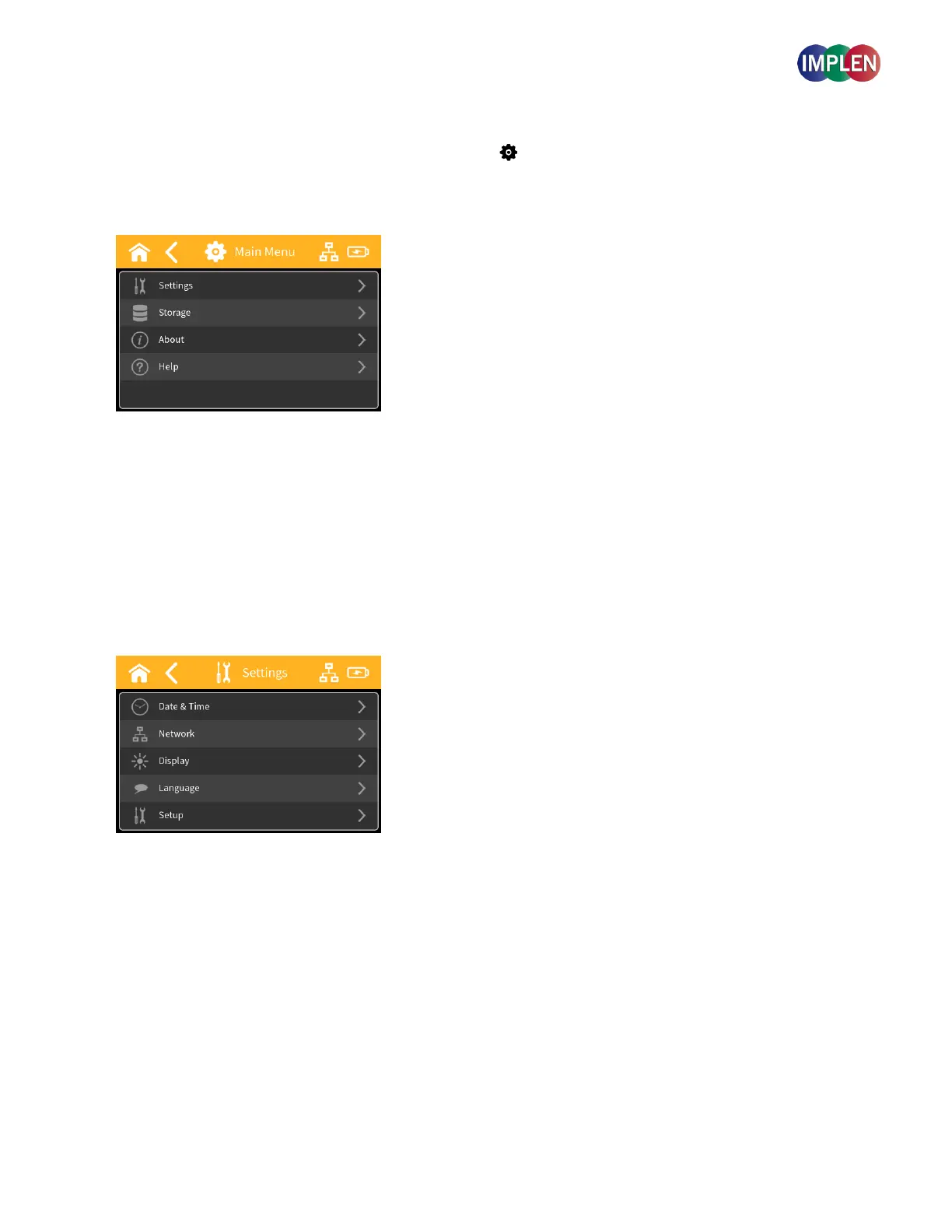
System preferences can be set by selecting preferences ( ) on the home screen. The Main Menu includes:
Settings, Storage, About and Help.
Main Menu Options
Settings
Upon selecting the "Settings" option from the preferences menu, a submenu will appear with several configuration
options. These options include Date and Time, Network, Display, Language, and System setup.



 To Next Page