Implen OD600
®
User Manual Version 1.0
30
Date and Time
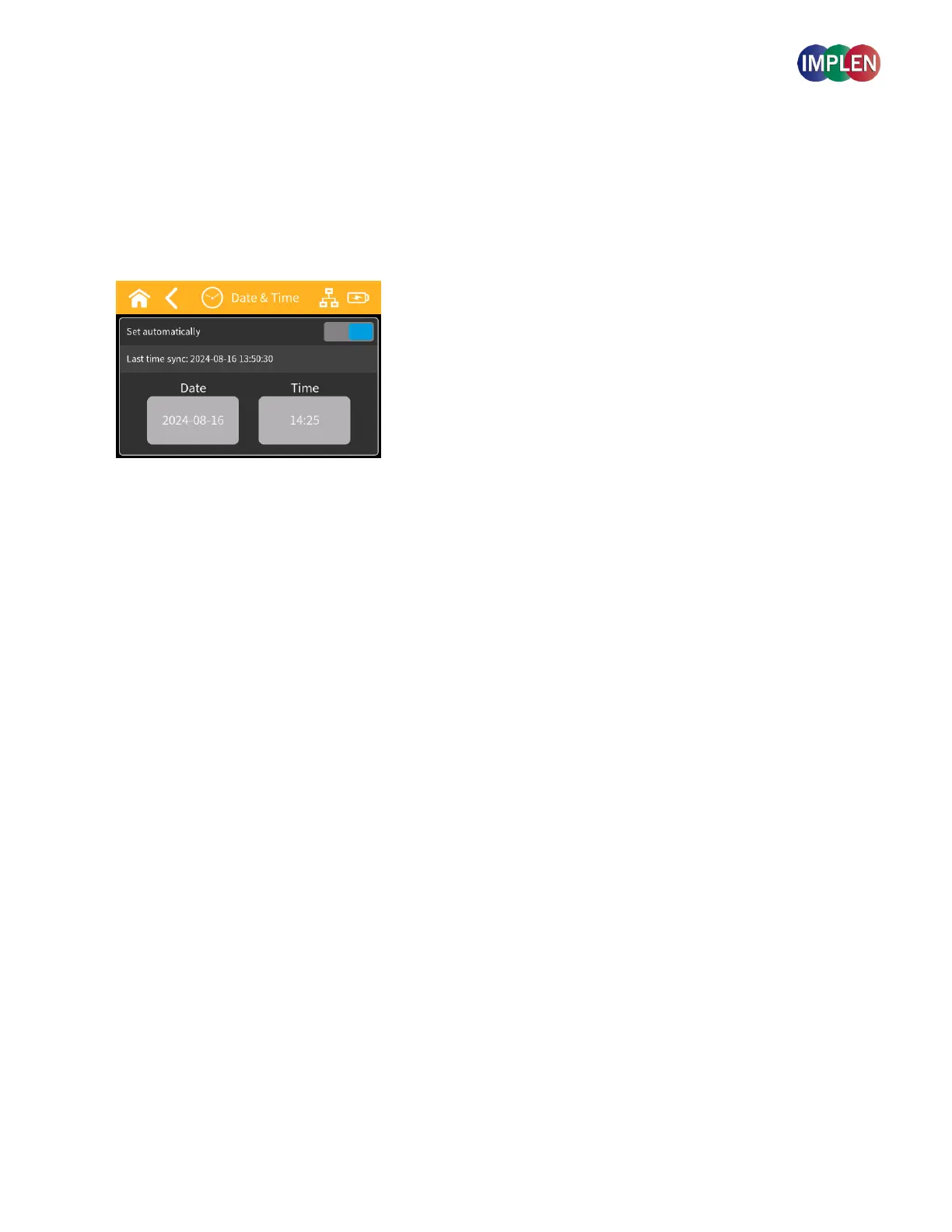
Within the Date and Time settings, you can choose between manual and automatic time setting. Manual time setting
allows you to adjust the date and time manually using buttons on the screen. Automatic time setting synchronizes
the device's time with an external time server when connected to the internet.
Note: If your device is not connected to a network, the automatic time zone cannot be activated. To activate the automatic
time zone, please connect the device to Wi-Fi or LAN.
The time zone can also be changed through connecting the device to a computer. Instructions can be found in the
manual under “Network”.
Note: If you want to change the time zone through the webbrowser using the device-hotspot, select Wi-Fi and Wi-Fi
Hotspot to be activated before you press save, otherwise the device will disconnect from the computer before changing the
time zone.
Note: If the time zone is adjusted through the web-browser via the Hotspot function of the device, the adjustment might
take several seconds.
Note: After changing the date/time, the updated date/time on the device will update within the next minute.



 To Next Page