Implen OD600
®
User Manual Version 1.0
19
Measurement Protocol
1. Getting started
To begin using the OD600 application, simply tap on the icon displayed on your device's Home screen.
2. Perform Blank Measurement
Add a blank solution to a cuvette and ensure that the filling volume (8.5 mm optical height) is sufficient to allow light
path to pass through the solution.
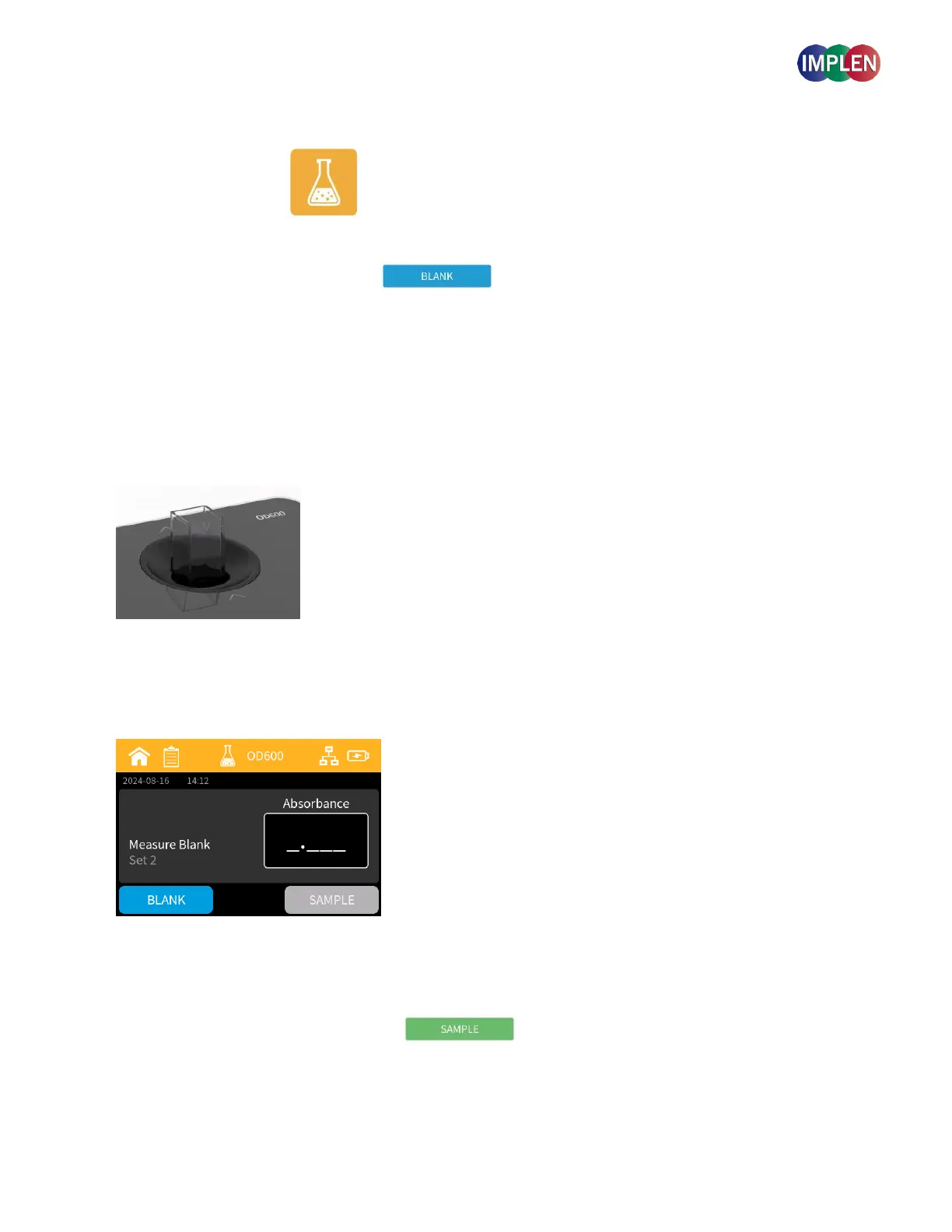
Startig a new measurement will create a new set of data that is automatically saved to the sample list.
Note: The sample button is inactivated until a blank has been measured.
Note: The light path is indicated with two white arrows on the device. Make sure that the cuvette is inserted into the device
in the right direction. The arrows on the cuvette should match the arrows on the device.
Initiate a blank measurement with the blank button.
Upon completion of the measurement, remove the cuvette.
3. Perform a Sample Measurement
Add your sample solution to a new cuvette and ensure that the filling volume (8.5 mm optical height) is sufficient to
allow light path to pass through the solution.



 To Next Page