Implen OD600
®
User Manual Version 1.0
26
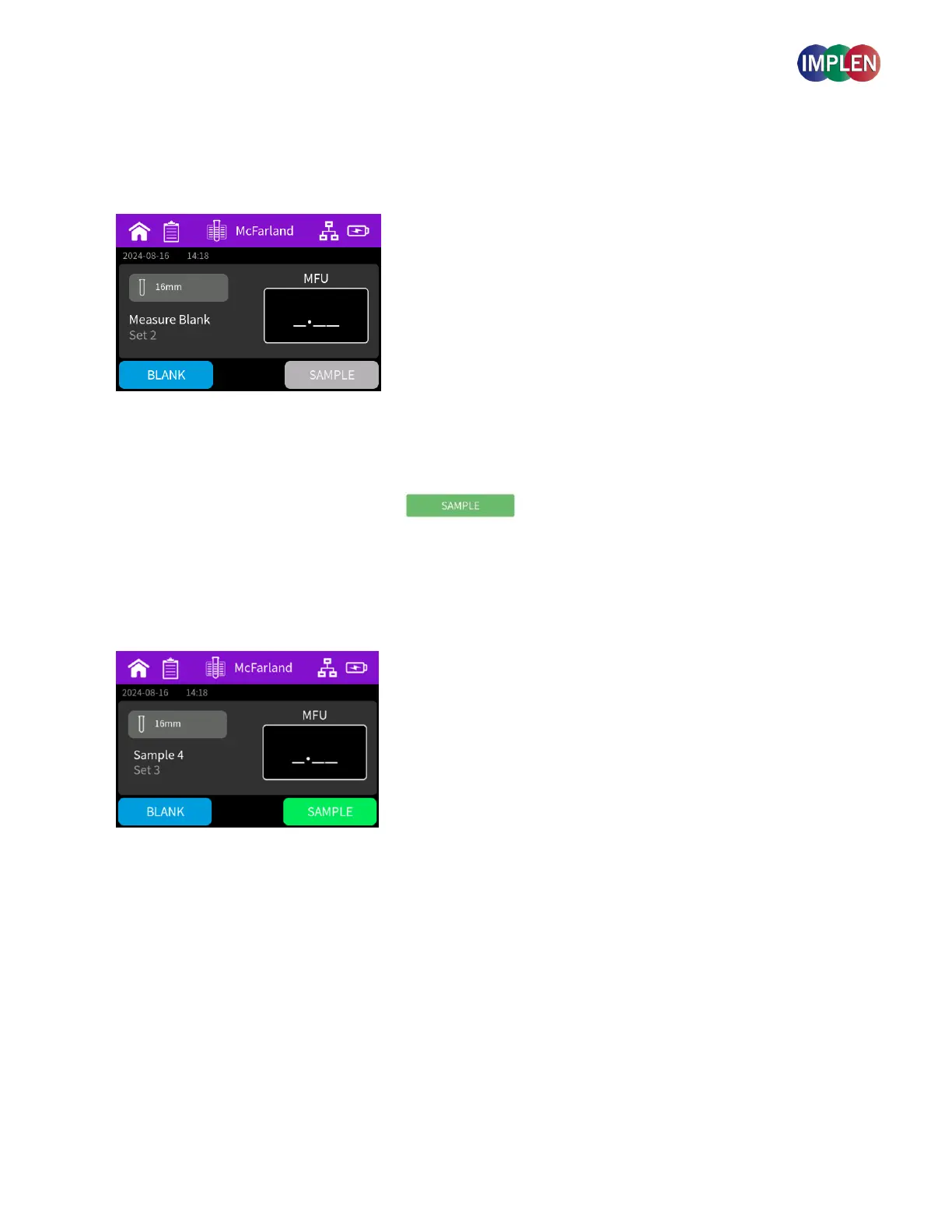
Initiate a blank measurement with the blank button.
Upon completion of the measurement, remove the cuvette.
4. Perform a Sample Measurement
Add your sample solution to a new cuvette and ensure that the filling volume (8.5 mm optical height) is sufficient to
allow light path to pass through the solution.
Insert cuvette/tube into the cell holder.
Initiate a sample measurement with the sample button. Upon completion of measurement remove the cuvette.
Note: Handling Out-of-Range Measurements - If a sample measurement is out of range (>16MFU), a warning popup will
appear, instructing you to repeat the measurement and dilute the sample accordingly.
Note: If the light path is blocked by an obstacle, the error code Err4 will appear - Please remove the obstacle from
the light path to proceed with the measurement.
5. Saving and Accessing Measurements
All sample measurements and sets are automatically saved and can be accessed through the Sample List feature in
the main menu. Data can be exported through the sample list function using a USB-Stick.



 To Next Page