Implen OD600
®
User Manual Version 1.0
34
Display
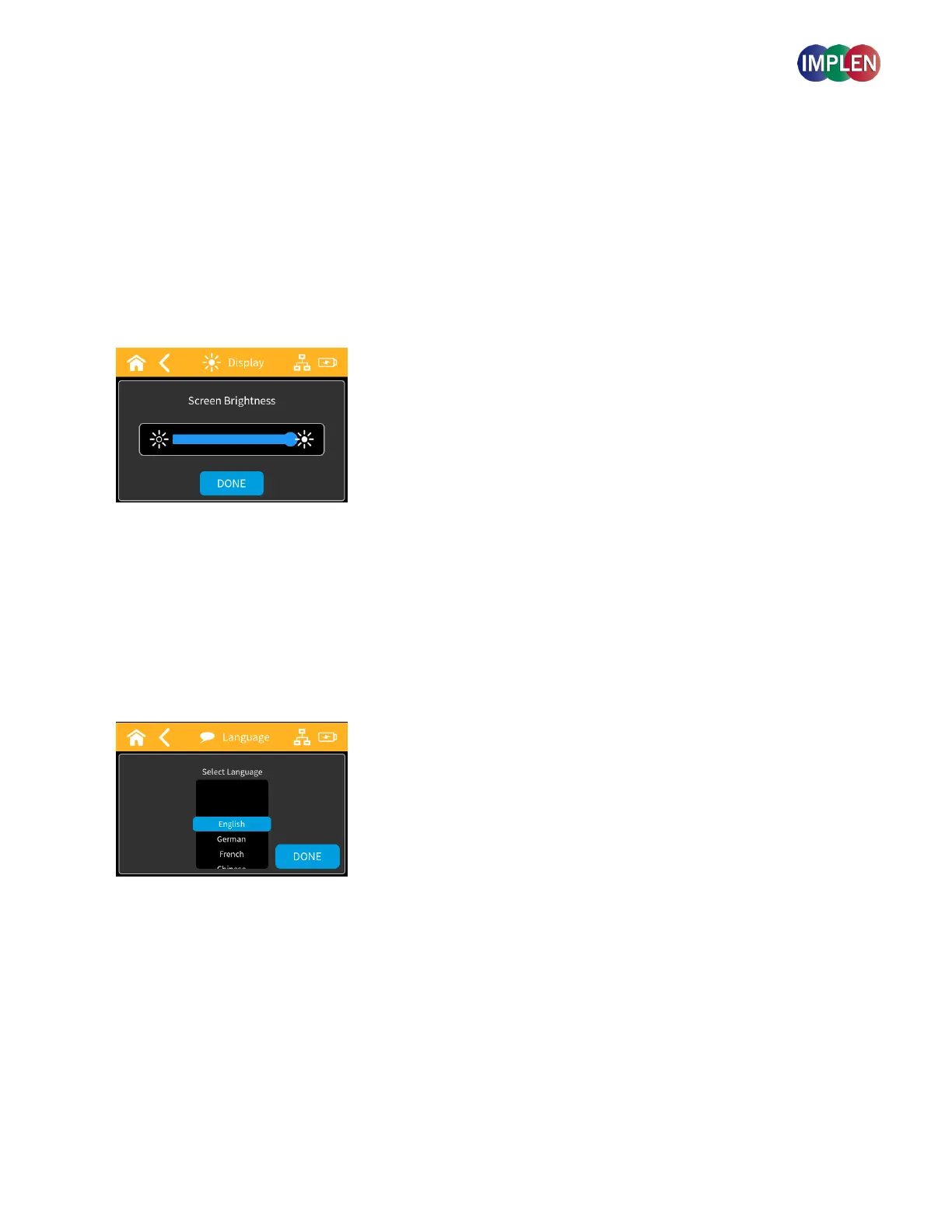
In the Display settings, you can adjust the brightness levels of the device's screen using a slider bar.
The slider bar offers smooth transitions with 10-20 brightness increments.
The default brightness is 50%.
Any changes to the brightness will be saved and set as the new default when the device is turned on and off.
After performing a factory reset, the brightness will revert to the original default of 50%.
Language
Language settings allow you to select the preferred language from the available options.
After selecting a language, a popup will prompt you to restart the device for the changes to take effect.



 To Next Page