12
1 Preparing and using for the first time
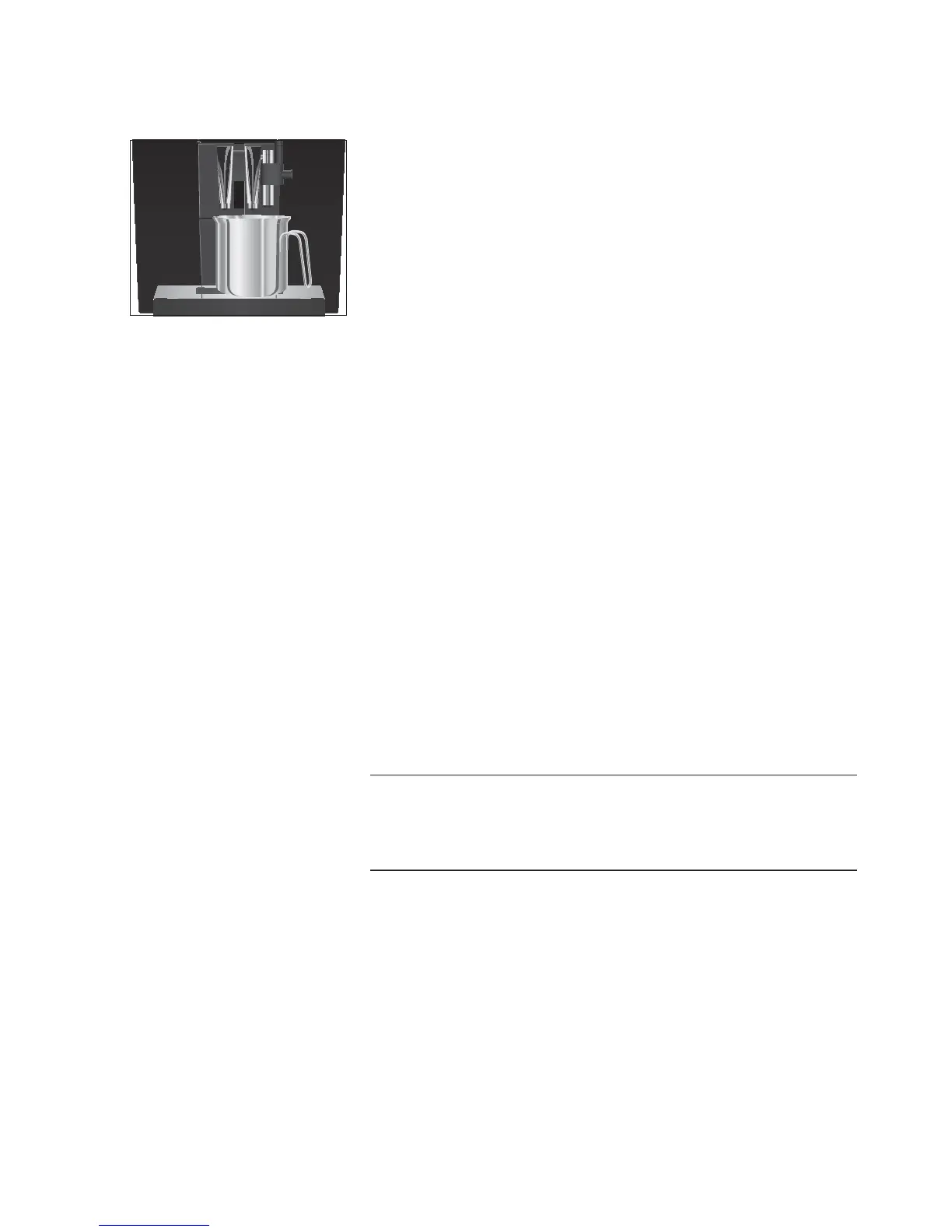
T Place a receptacle (at least 300 ml) under the fine foam
frother and the coffee spout.
l T Turn the switch to them position.
‘Filter is being rinsed’, water flows out of the fine foam
frother.
E You can interrupt rinsing of the filter at any time. To do this,
turn the switch clockwise. Turn the switch anticlockwise to
continue rinsing the filter.
E The water may be slightly discoloured. This is not harmful to
health and does not affect the taste.
Rinsing of the filter stops automatically after approximately
300ml.
‘Switch close’ appears on the display.
y T Turn the switch to the °position.
‘System is filling’, the system fills up with water.
‘Machine is heating’, the machine heats up.
‘Machine is rinsing’, the system is rinsed. The rinse stops
automatically.
‘Please select product’ appears on the display.
Your IMPRESSA is ready for use.
E The display shows the products you can prepare.
Milk, sparkling mineral water or other liquids can damage the water
tank or the machine.
T Only fill the water tank with fresh, cold water.
T Press the
‘Inactive’ button.
T Press the
‘Save’ button.
‘Saved’ appears briefly on the display.
‘Water hardness’
E If you do not know the hardness of your water, you must find
this out first (see Chapter 1 ‘Preparing and using for the first
time – Determining the water hardness’).
g T Turn the Rotary Switch to change the water hardness set-
ting, e.g. to
‘25°dH’.
First-time use without filter
cartridge activation
CAUTION


 To Next Page