17
2 Preparation
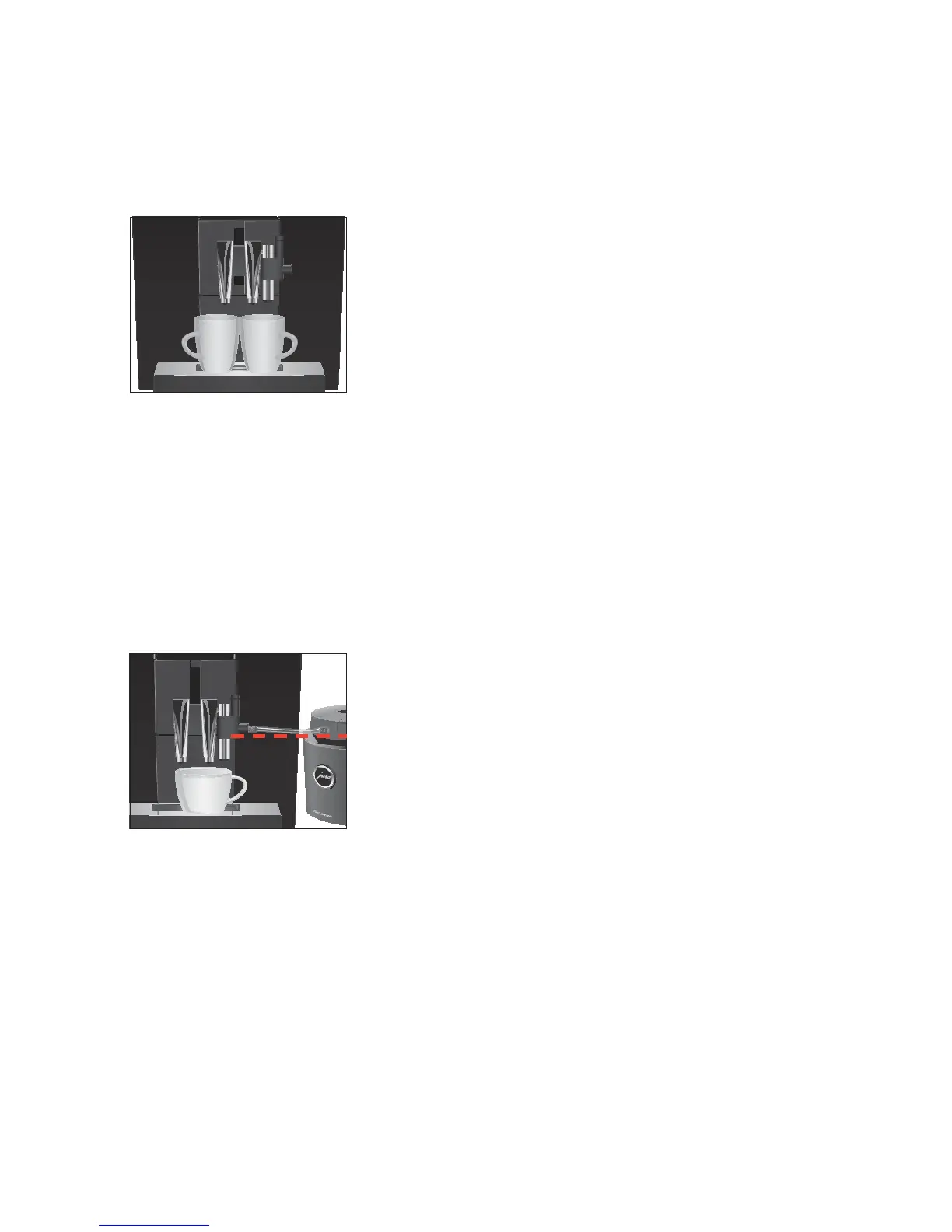
Example:Proceed as follows to prepare two coffees (using product
selector view).
Precondition:The start screen is displayed.
T Place two cups under the coffee spout.
g T Turn the Rotary Switch to view the product selector.
g T Turn the Rotary Switch until the
‘2 coffees’ product is in
focus.
k T Press the Rotary Switch to start preparation.
Coffee preparation starts. The preset amount of water for
coffee flows into the cups. Preparation stops automatically.
Your IMPRESSA is once more ready for use.
Your IMPRESSA can prepare a latte macchiato and cappuccino at the
touch of a button.
E This chapter applies to the professional fine foam frother and
the fine foam frother.
Example:Proceed as follows to prepare one cappuccino.
Precondition:
‘Please select product’ is displayed.
T Place a cup under the coffee spout and the fine foam frother
(Figure: Optional JURA Cool Control Basic 0.6 l).
E Ensure that the filling height of the milk is no higher than the
milk pipe connection on the fine foam frother.
E If you are using the professional fine foam frother, turn the
selector switch to the Milk Foam positioné.
T Press the
‘Cappuccino’ button.
‘Cappuccino’/ ‘Coffee strength’
As soon as the machine has heated up, ‘Switch open’
appears.
l T Turn the switch to them position.
‘Cappuccino’ appears and the milk foam is prepared. Prepa-
ration stops automatically when the preset amount of steam
is reached.
‘Switch close’
Latte macchiato,
cappuccino


 To Next Page