35
5 Maintenance
5 Maintenance
Your IMPRESSA has the following integrated maintenance pro-
grammes:
U
Rinsing the machine (‘Rinse the coffee system’)
U
Rinsing the fine foam frother (‘Rinse the milk system’)
U
Cleaning the fine foam frother (‘Cappuccino cleaning’)
U
Changing the filter (‘Change the filter’)
U
Cleaning the machine (‘Clean’)
U
Descaling the machine (‘Descale’) (only if filter is not acti-
vated)
E Clean the machine, change the filter or descale the machine
when you are prompted to do so.
E You can start the maintenance programmes at any time in
programming mode (programme item
‘Maintenance status’).
E Your IMPRESSA will not prompt you to clean the fine foam
frother. In the interests of hygiene, you should clean the fine
foam frother daily when you have been preparing milk.
You can initiate the rinse operation manually at any time.
Precondition:
‘Please select product’ is displayed.
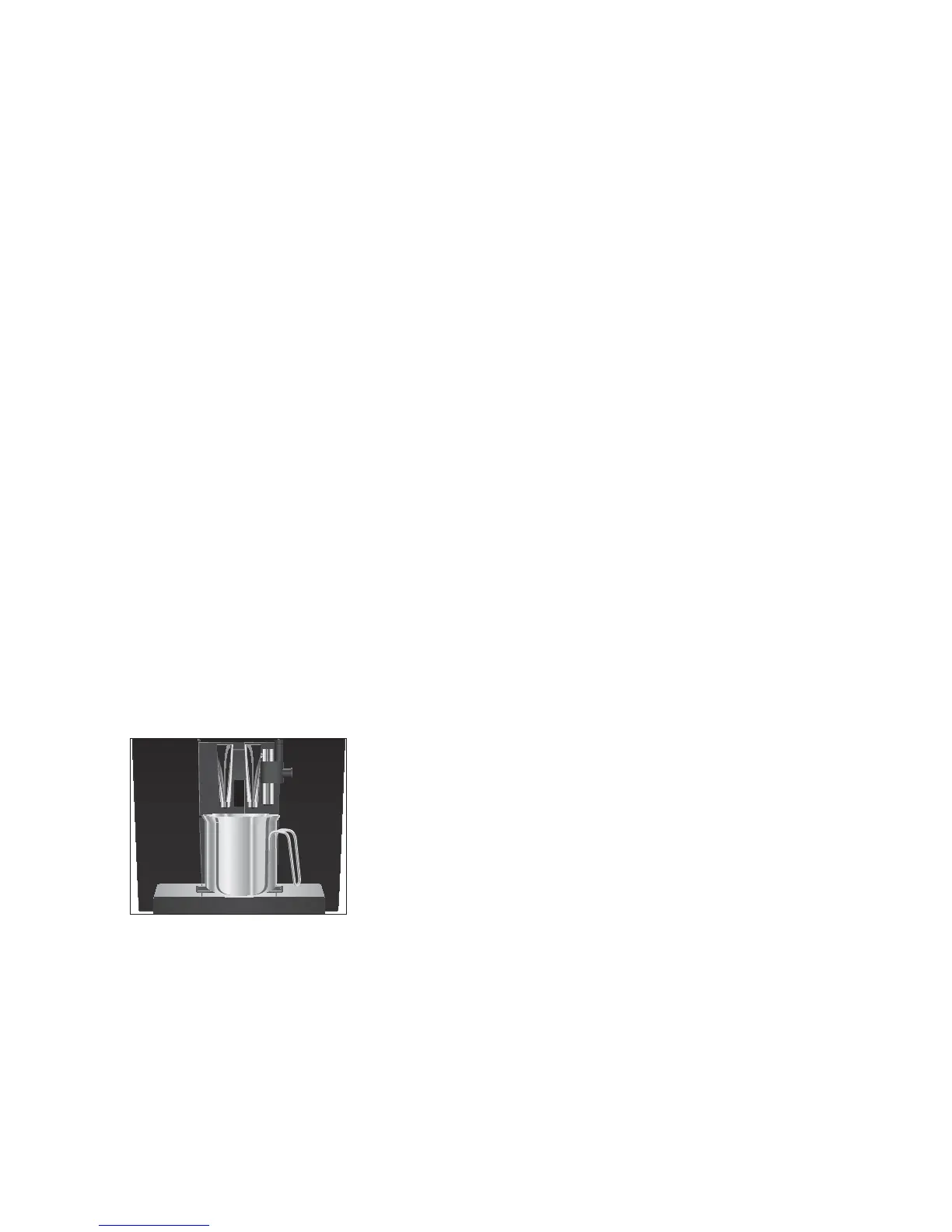
T Place a receptacle under the coffee spout.
O T Press the P button.
‘Maintenance status’ (‘1/7’)
g T Turn the Rotary Switch until
‘Maintenance status’ (‘2/7’) is
displayed.
T Press the
‘Rinse the coffee system’ button to initiate the
rinse operation.
‘Machine is rinsing’, water flows out of the coffee spout.
The rinse stops automatically.
‘Please select product’
appears on the display.
Rinsing the machine


 To Next Page