13
1 Preparing and using for the first time
k T Press the Rotary Switch.
‘Saved’ appears briefly on the display.
‘Fill water tank.’
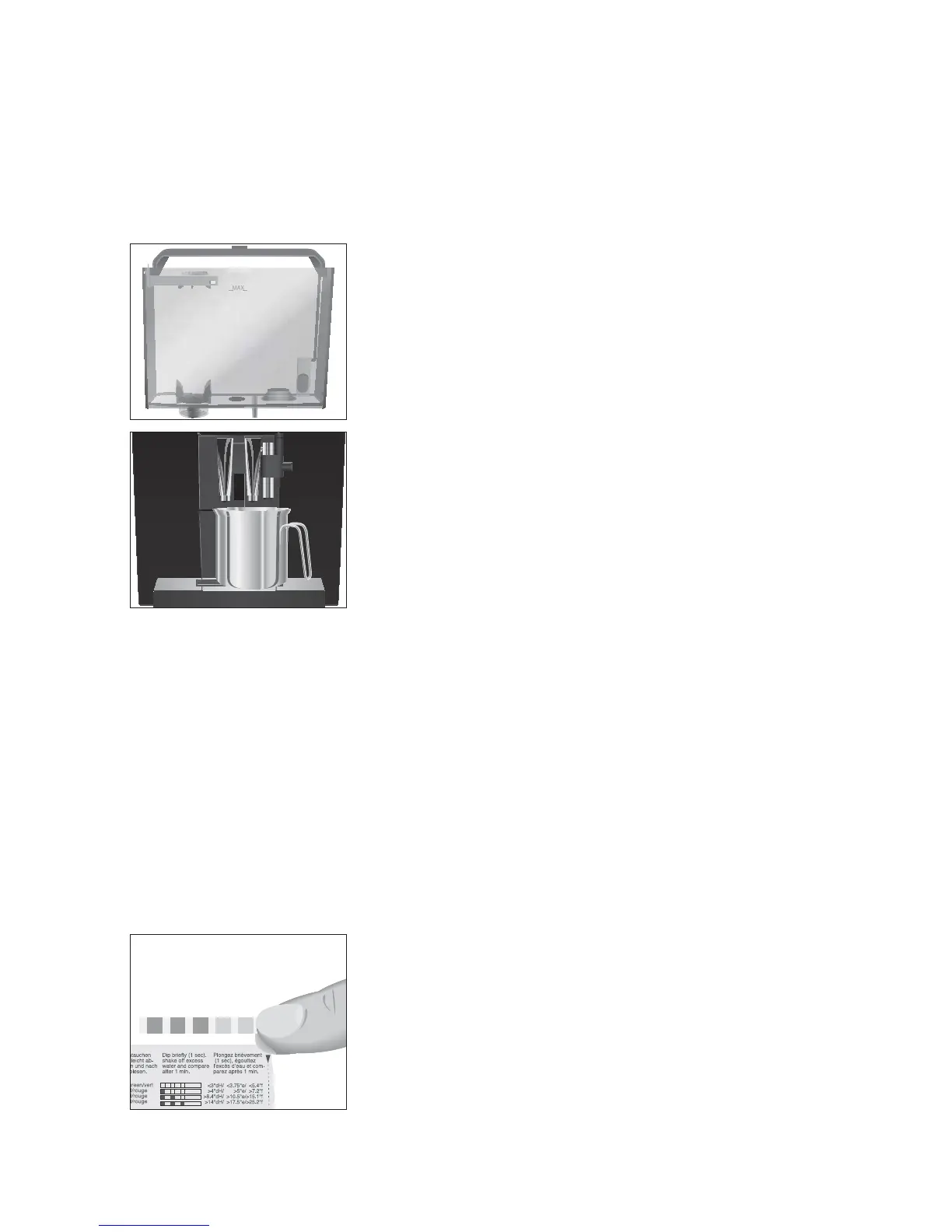
T Open the water tank cover.
T Remove the water tank and rinse it with cold water.
T Fill the water tank with fresh, cold water and reinsert the
tank.
‘Switch open’
T Place a receptacle under the fine foam frother and under the
coffee spout.
l T Turn the switch to them position.
‘System is filling’, the system fills up with water.
‘Switch close’
y T Turn the switch to the °position.
‘System is filling’, the system fills up with water.
‘Machine is heating’, the machine heats up.
‘Machine is rinsing’, the system is rinsed. The rinse stops
automatically.
‘Please select product’ appears on the display.
Your IMPRESSA is ready for use.
E The display shows the products you can prepare.
You can find out what the water hardness is by using the Aquadur®
test strip supplied as standard.
T Hold the test strip briefly (for 1second) under flowing water.
Shake off the water.
T Wait for about 1minute.
T You will then be able to read the degree of water hardness
from the discolouration of the Aquadur® test strip and the
description on the packaging.
Determining the water
hardness


 To Next Page