16
2 Preparation
Turn the Rotary Switch to bring the product you want into
focus. Start preparation by pressing the Rotary Switch or the
‘Prepare’ button.
The following additional products are shown in the product
selector view:
U
‘Ristretto’
U
‘2 ristretti’
U
‘2 espressi’
U
‘2 coffees’
U
‘Spezial’
U
‘Macchiato’
U
‘Portion milk foam’
E The product selector view disappears automatically after
10seconds if no preparation is started.
E You have the option of replacing the four products on the start
screen with your personal favourites (see Chapter 4 ‘Perma-
nent settings in programming mode – Replacing products on
the start screen’). Please note that the descriptions provided
in the following sections always refer to the default settings.
Example:Proceed as follows to prepare one coffee.
Precondition:
‘Please select product’ is displayed.
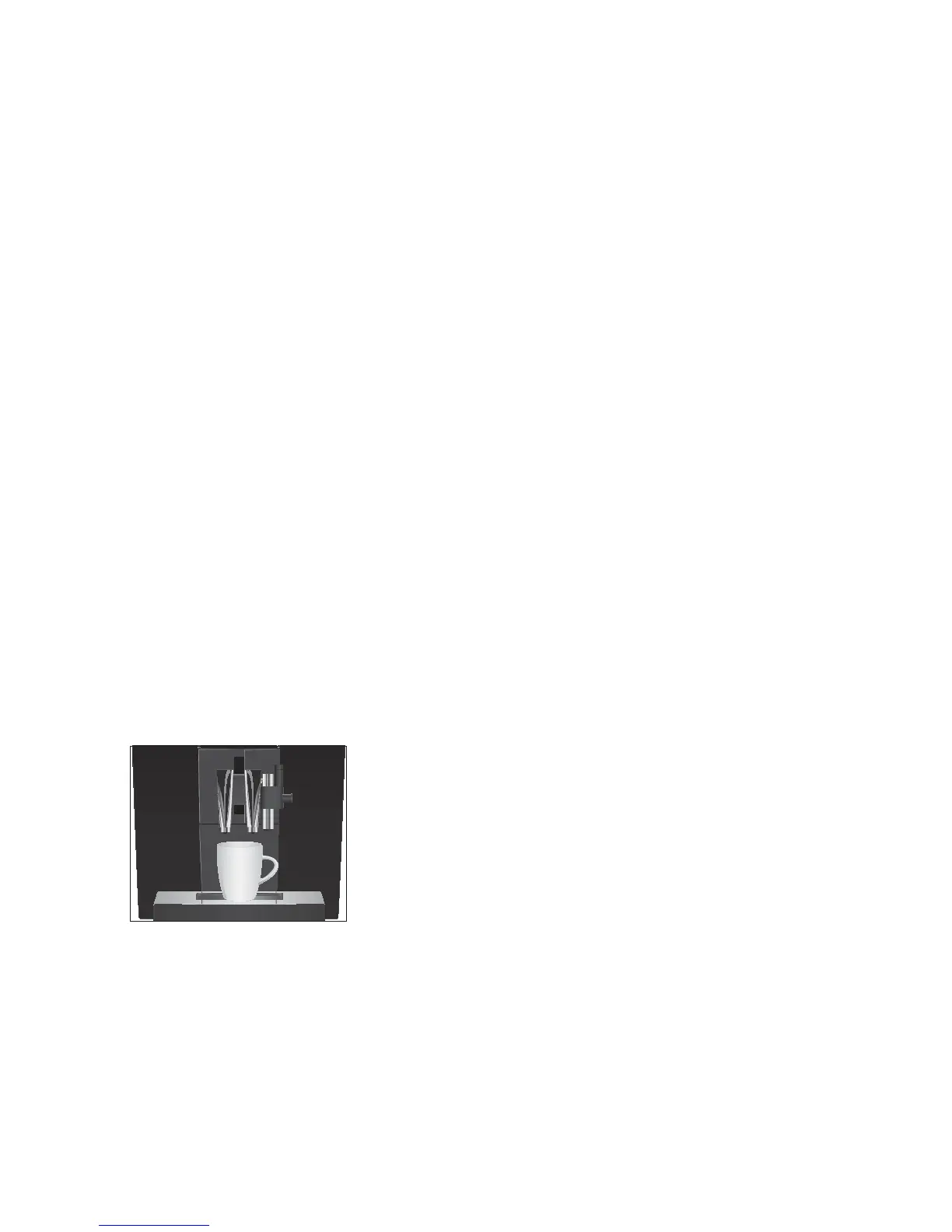
T Place a cup under the coffee spout.
T Press the
‘Coffee’ button.
Preparation starts.
‘Coffee’ and the coffee strength are dis-
played. The preset amount of water for coffee flows into the
cup.
Preparation stops automatically.
‘Please select product’
appears on the display.
There are several ways of preparing two speciality coffees.
U
Using the product selector view:
U
Bring one of the double products ‘2 ristretti’, ‘2 espressi’ or
‘2 coffees’ into focus and press the Rotary Switch or the but-
ton
‘Prepare’.
U
When preparing a single product:
U
Press the single product button twice within 2 seconds to
start preparing the relevant double product.
Ristretto, espresso and
coffee
2 ristretti, 2 espressi and
2 coffees


 To Next Page