23
3 Daily operation
3 Daily operation
Daily maintenance of the machine and hygiene when handling milk,
coffee and water are key to a perfect coffee result in the cup every
time. You should therefore change the water daily.
Precondition:Your IMPRESSA is switched on at the power switch.
T Place a receptacle under the coffee spout.
Q T Press the On/Off button to switch the IMPRESSA on.
‘Welcome to JURA’
‘Machine is heating’
‘Machine is rinsing’
, the system is rinsed. The rinse stops
automatically.
‘Please select product’ appears on the display.
Your IMPRESSA is ready for use.
To ensure that you get many years of reliable service out of your
IMPRESSA and to guarantee the optimum coffee quality, the
machine requires daily maintenance.
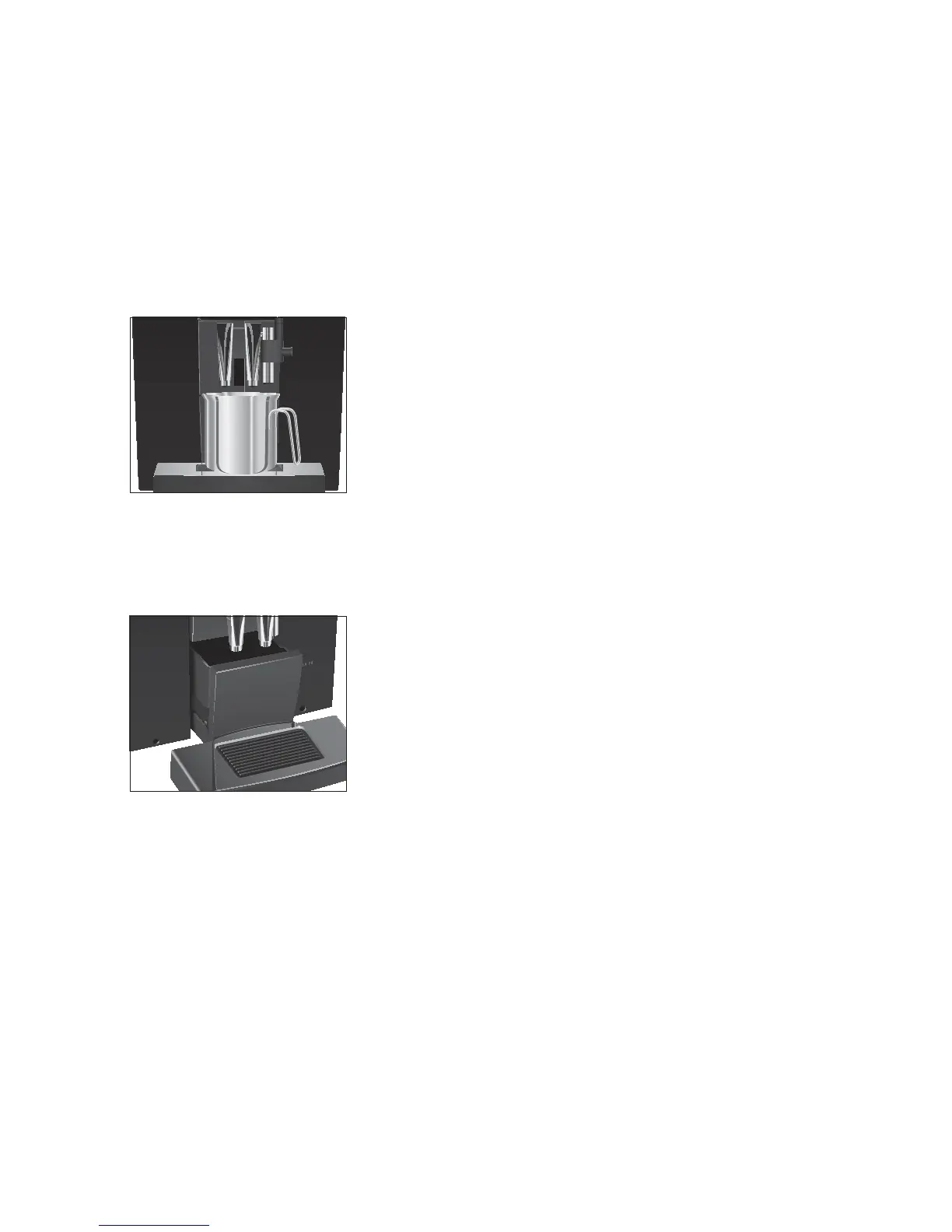
T Pull out the drip tray.
T Empty the coffee grounds container and the drip tray. Rinse
them both with warm water.
E Always empty the coffee grounds container when the machine
is switched on. This is the only way of resetting the coffee
grounds counter.
E Traces of milk and coffee may stick to the top and bottom of
the cup grille. Clean the cup grille regularly.
T Refit the coffee grounds container and the drip tray.
T Rinse the water tank with clean water.
E Clean the insides of the water tank regularly (e.g. with a brush)
to prevent deposits building up.
T Clean the fine foam frother (see Chapter 5 ‘Maintenance –
Cleaning the fine foam frother’).
T Remove the milk pipe and rinse it thoroughly under running
water.
Switching on
Daily maintenance


 To Next Page