11
1 Preparing and using for the first time
Precondition:The bean container has been filled.
T Insert the mains plug into a power socket.
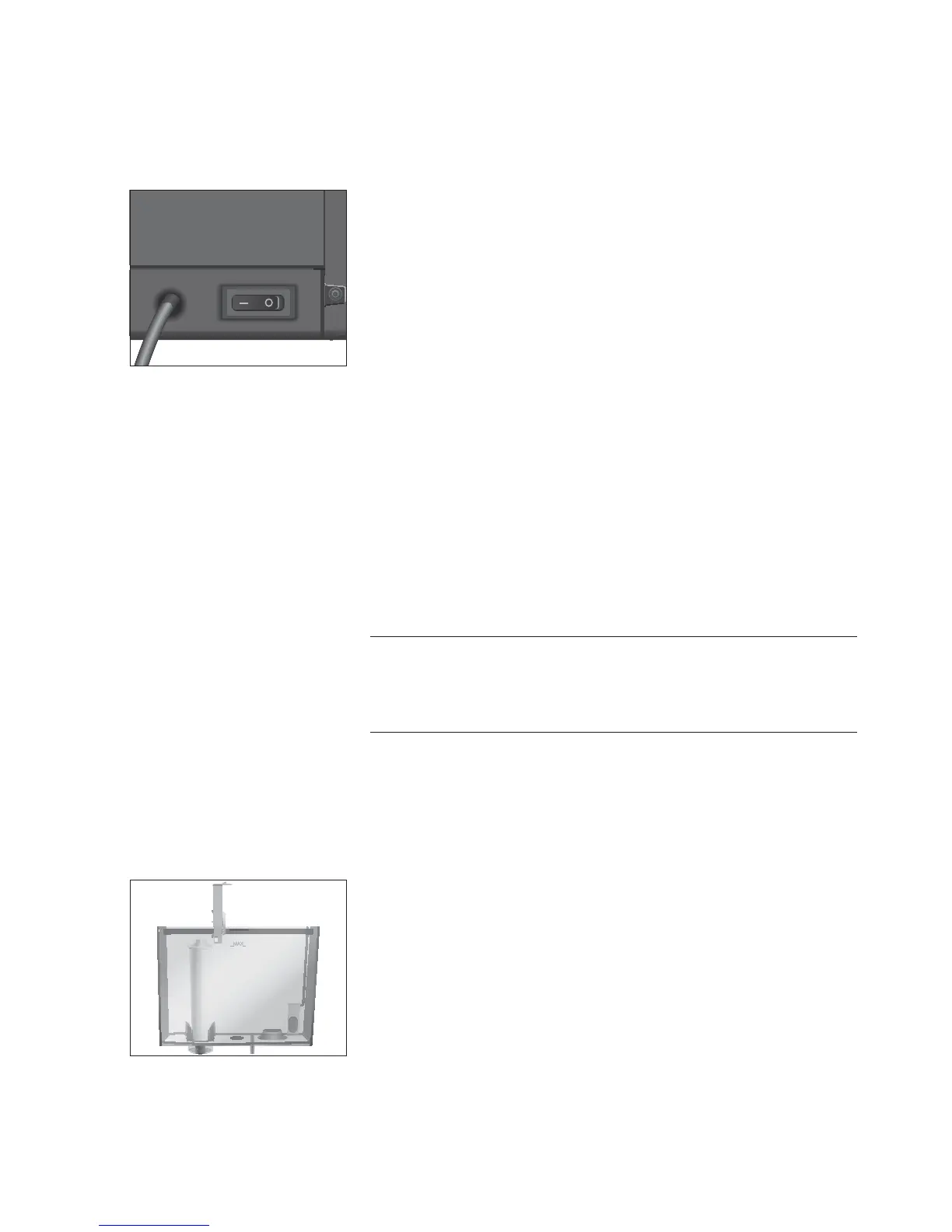
3 T Switch on the IMPRESSA using the power switch on the back
of the machine.
Q T Press the On/Off button to switch the IMPRESSA on.
The display shows the languages you can choose from.
E To display more languages, press the
‘ > ’ button (bottom
right).
T Press the button that corresponds to the language you want,
e.g.
‘English’.
‘Saved’ appears briefly on the display to confirm the setting.
‘Use filter’
E Now decide whether you want to operate your IMPRESSA with
or without a CLARIS Blue filter cartridge.
Milk, sparkling mineral water or other liquids can damage the water
tank or the machine.
T Only fill the water tank with fresh, cold water.
T Press the
‘Active’ button.
T Press the
‘Save’ button.
‘Saved’ appears briefly on the display.
‘Insert filter’
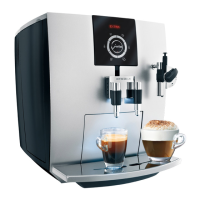
T Remove the water tank and rinse it with cold water.
T Open the filter holder and insert the filter cartridge into the
water tank, exerting slight pressure.
T Close the filter holder. It will click into place audibly.
E After two months, the filter will cease to work. Set the date on
the date plate on the filter holder in the water tank.
T Fill the water tank with fresh, cold water and reinsert the
tank.
T Press the
‘Next’ button.
‘Switch open’
First-time use with filter
cartridge activation
CAUTION


 To Next Page