User’s Manual of CLEO Patient Monitor
- 8 -
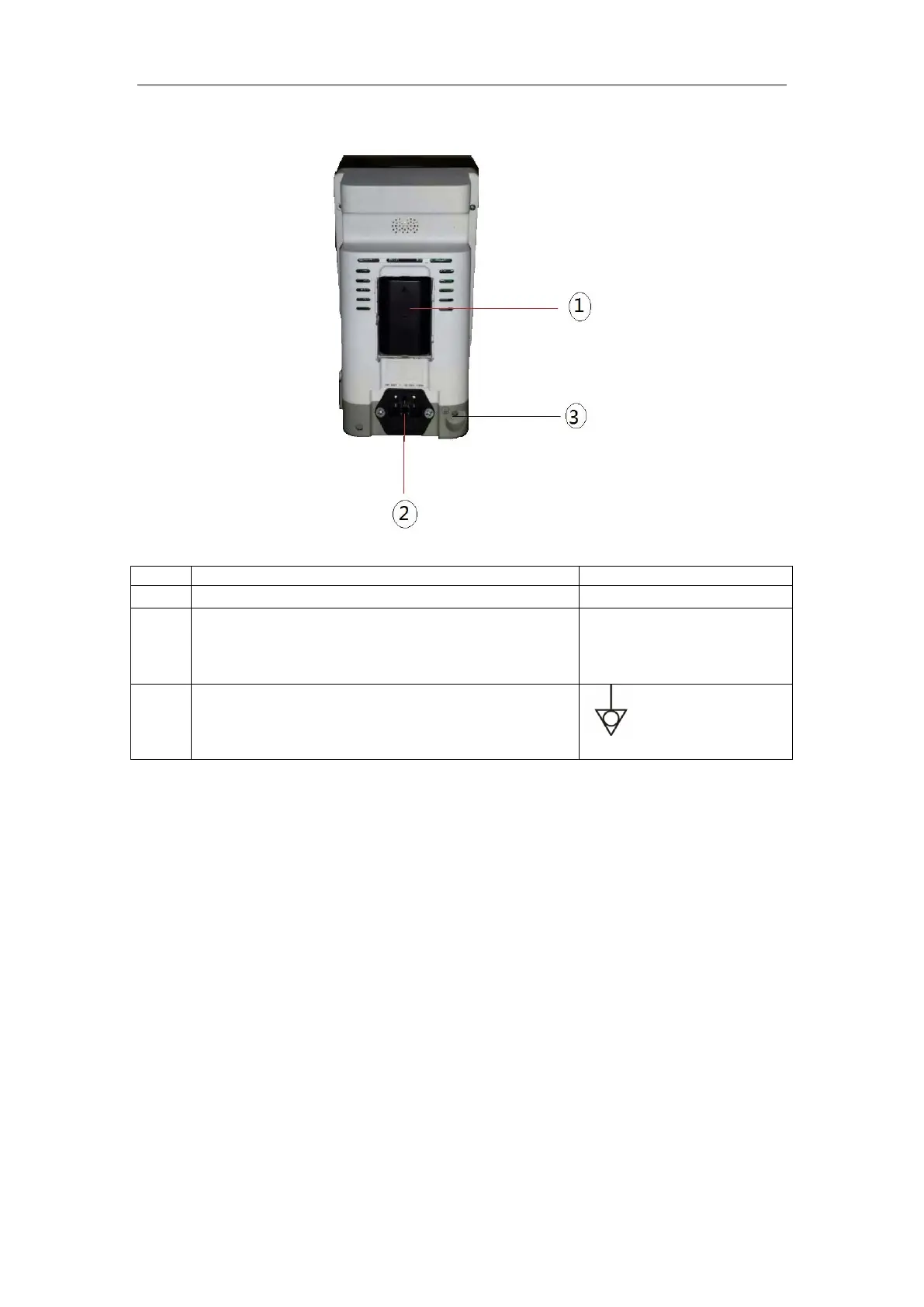
REAR PANEL
Figure 2: Rear View for Main Unit
The AC power connection is where the power cord
is connected to the monitor. The AC power fuse
must be replaced with the same type of fuse.
V~
F2AL 250V
Solve the ground loop and mains problem by
designing several alternate courses for electrical
energy to finds its way back to ground.



 To Next Page