User’s manual of CLEO Patient Monitor
- 12 -
SYSTEM SETUP
System Setup includes: Factory Setup, Demo Switch, Sound Volume, Brightness, Alarm
Switch, Display Mode, Clock Setup, Default Config, Save Config and etc.
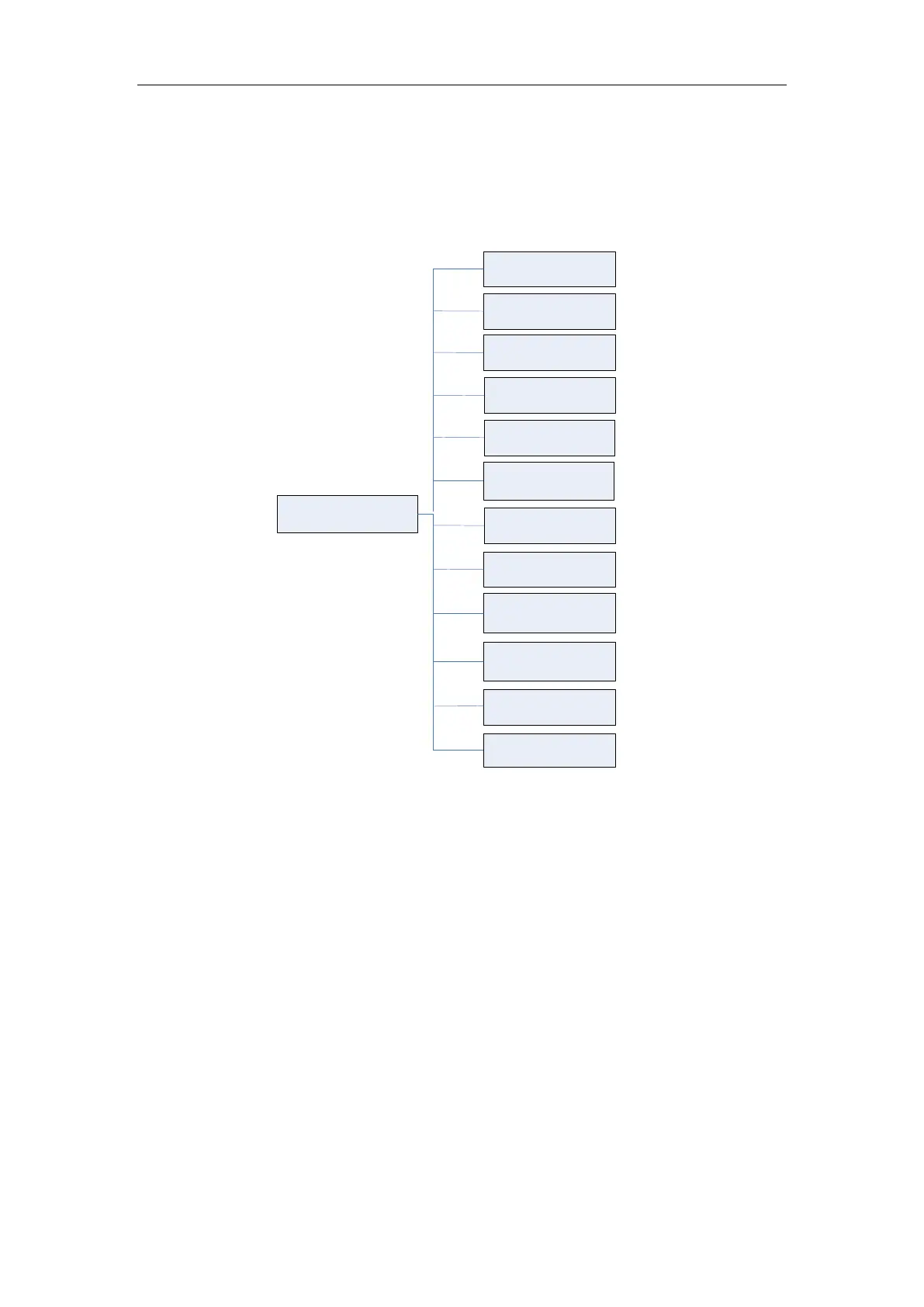
Press the SETUP button to open the System Setup menu, the tree diagram is as
below:
System Setup
Factory Setup
Alarm Switch
Default Config
Save Config
Display Mode
Demo Switch
Sound Volume
Upgrade Setup
Brightness
Clock Setup
IP Address
Setup
Screen
Calibration
Figure 3: Tree Diagram for System Setup Menu
FACTORY SEVICING SETUP
For servicing engineer use only.
1. If you input “IPSETUP.” for the password, the “IP Address Setup” menu item would be
activated. Press the IP Setup menu, Patient Monitor will open as follows:



 To Next Page