41
English
then press the button on the control panel or the Enter button on the remote control
to execute the command.
The commands are:
: Goes to the previous video file.
: Rewind playback. The speeds are 2x/4x/8x/16x.
: Pauses playback; : Restarts playback.
: Fast forward playback. The speeds are 2x/4x/8x/16x.
: Goes to the next video file.
: Configures the video settings. Refer to page 45.
: Exits playback and returns to the file list.
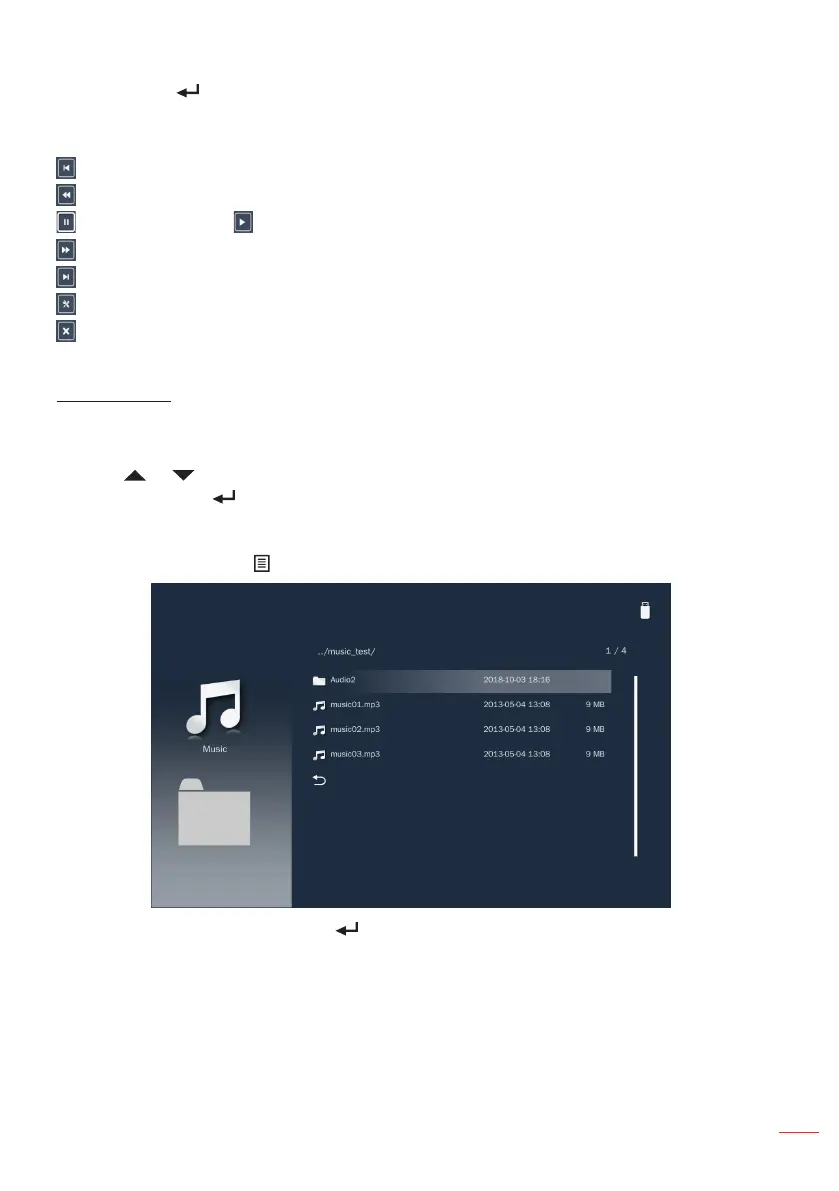
Music Player
When a Music folder is selected music files are displayed by filename. Only folders with
music will be displayed.
Use the or button to select the folder containing the music file you want to hear,
and then press the button on the control panel or the Enter button on the remote
control.
Note: To return to the previous folder or to exit the Music player, press the Menu button on the
remote control or the button on the control panel.
Choose a music file and press the button on the control panel or the Enter button on
the remote control to play it.



 To Next Page