59
English
Appendices
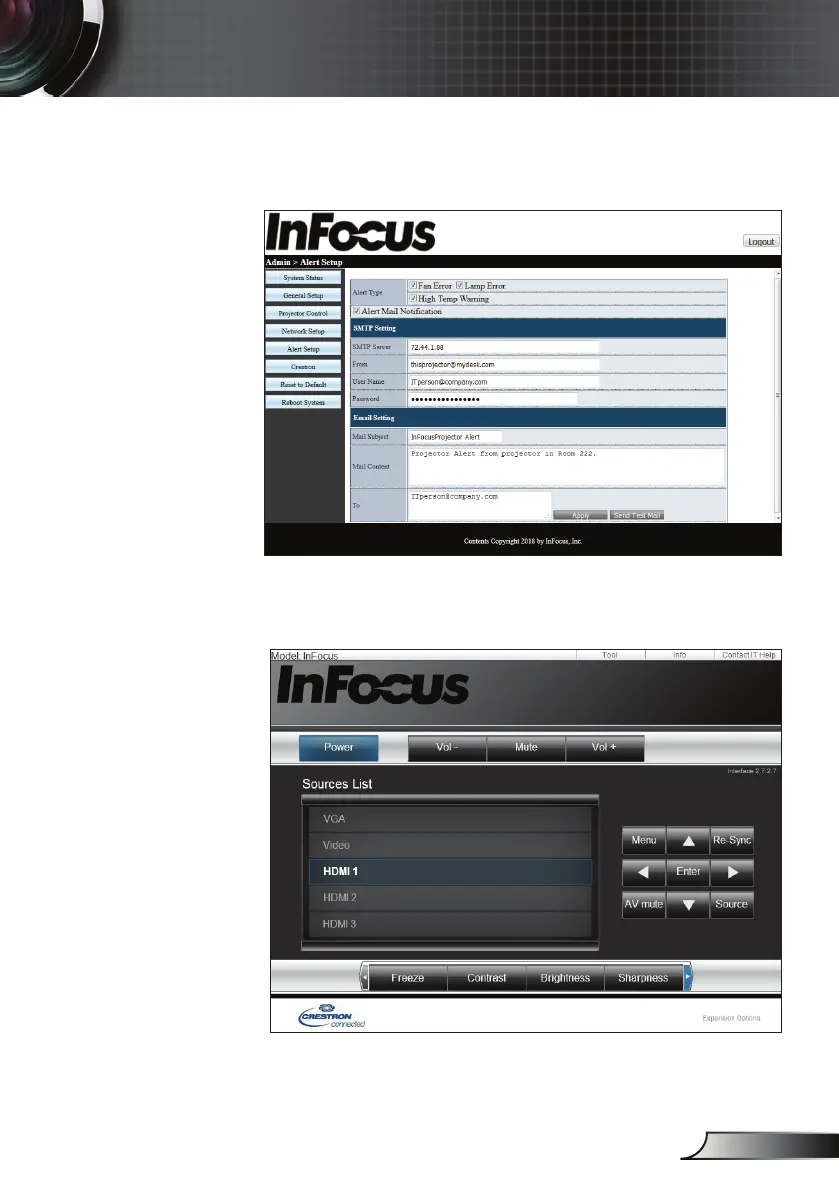
7. Alert setup will send an email if there is a fault with the
projector. Click the check boxes to enable notication and
select which faults you want to have reported.
8. Crestron uses a standard interface for limited control of
the projector. A new tab is opened in the browser when
this function is selected.



 To Next Page