Page 10 Interactive Touch Display Hardware Guide
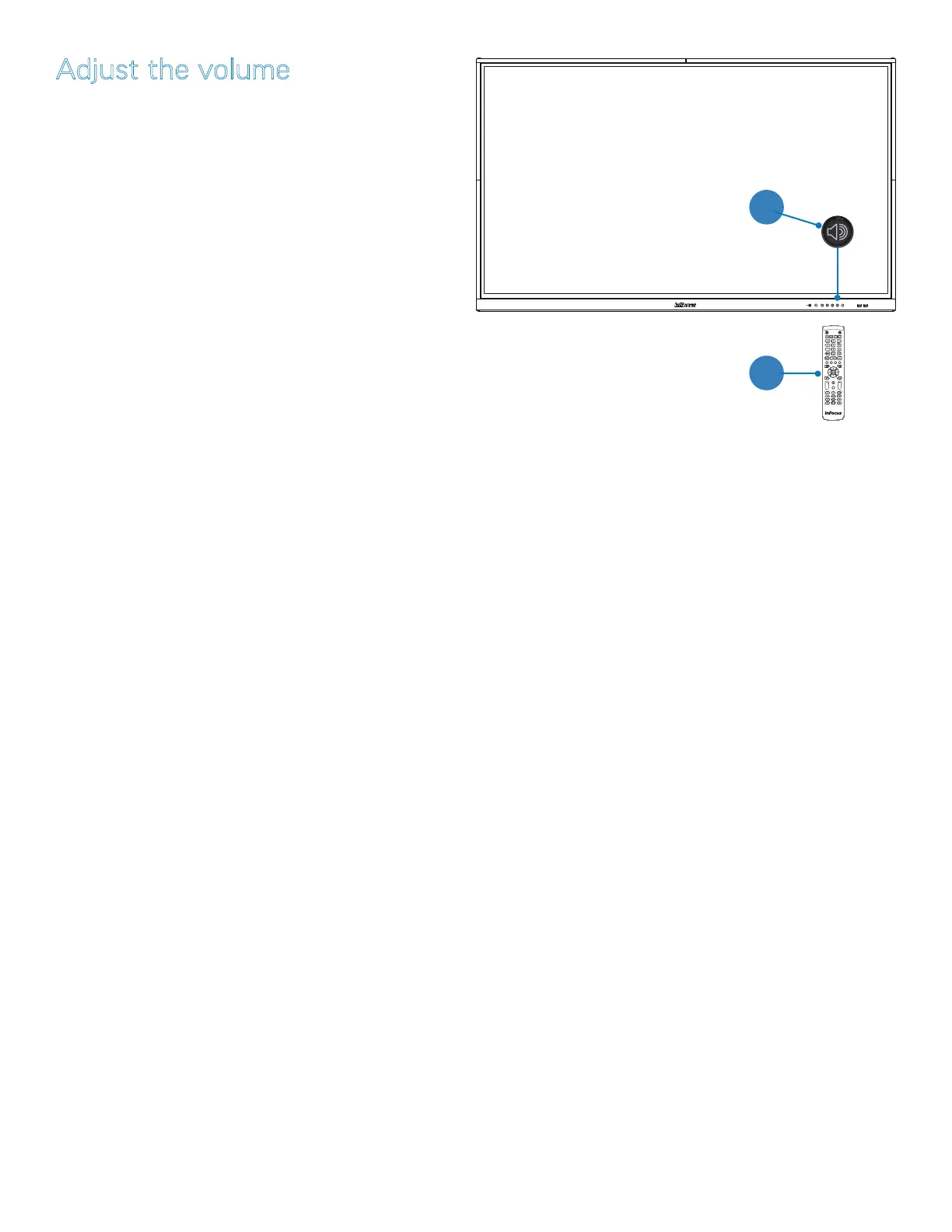
Adjust the volume
1) Press the volume up or down button on the remote (page
11); or
2) Touch the button with the volume icon on the front of the
touch display (page 16). A sliding scale appears. Move
the button to the left or right.
3) Open the LiveView input selection window (page 23) and
adjust the on-screen volume by sliding the level indicator to
the left or right.
1
2



 To Next Page