Page 34 Interactive Touch Display Hardware Guide
Device
Display
Tap Display, or the Display icon.
1) A selection of animated and static backgrounds is available under Wallpaper.
a) Tap Live Wallpapers, then a wallpaper thumbnail, and then the check mark in the upper right to select it. Tap the back
arrow in the upper left to return to the previous screen.
b) Tap Wallpapers, then scroll through the list of thumbnails at the bottom of the screen. Tap a thumbnail, then Set wallpaper, to
select it.
2) Tap to select HDCP or DVI as the External source display setting.
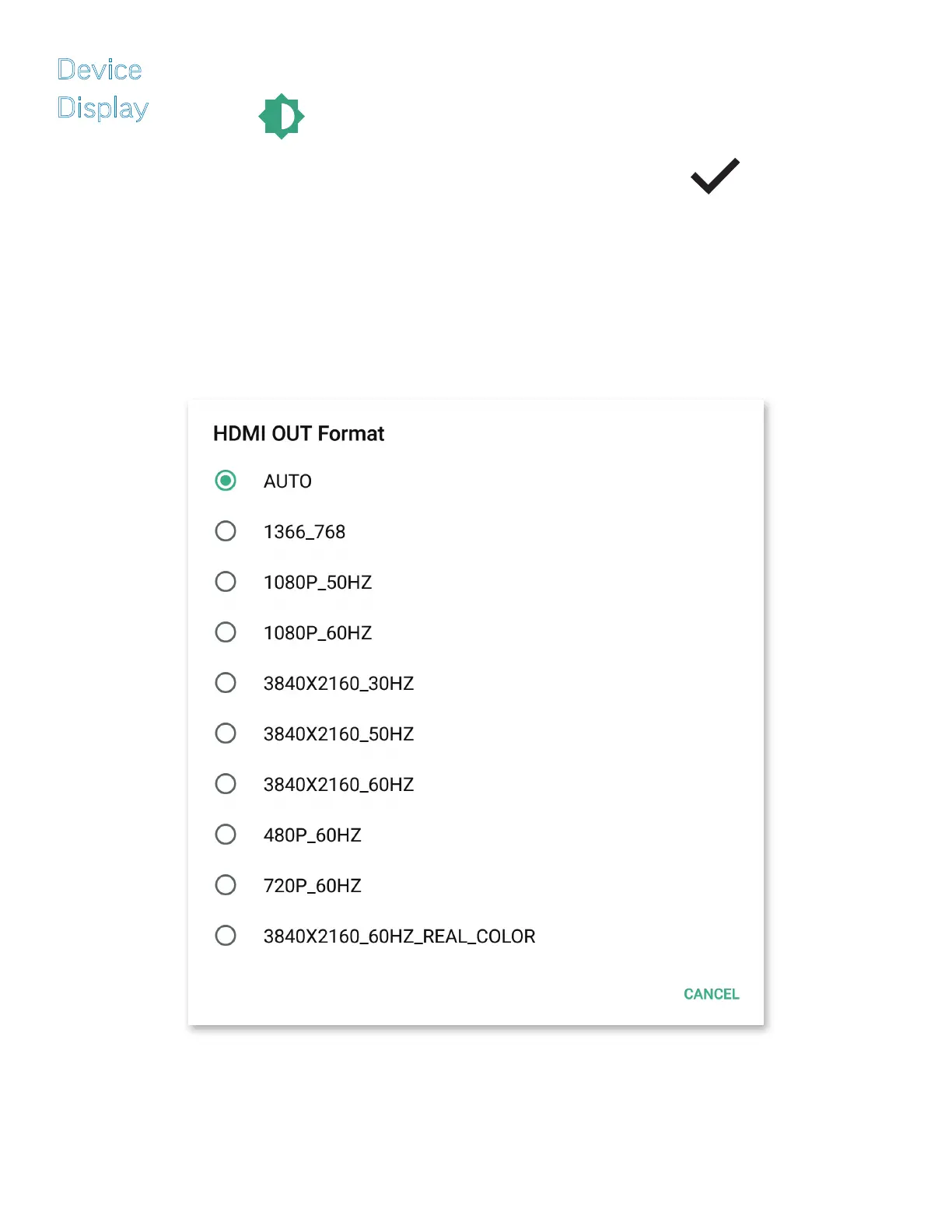
3) Tap HDMI OUT Format to select a frequency and a resolution.



 To Next Page