Page 45 Interactive Touch Display Hardware Guide
Password
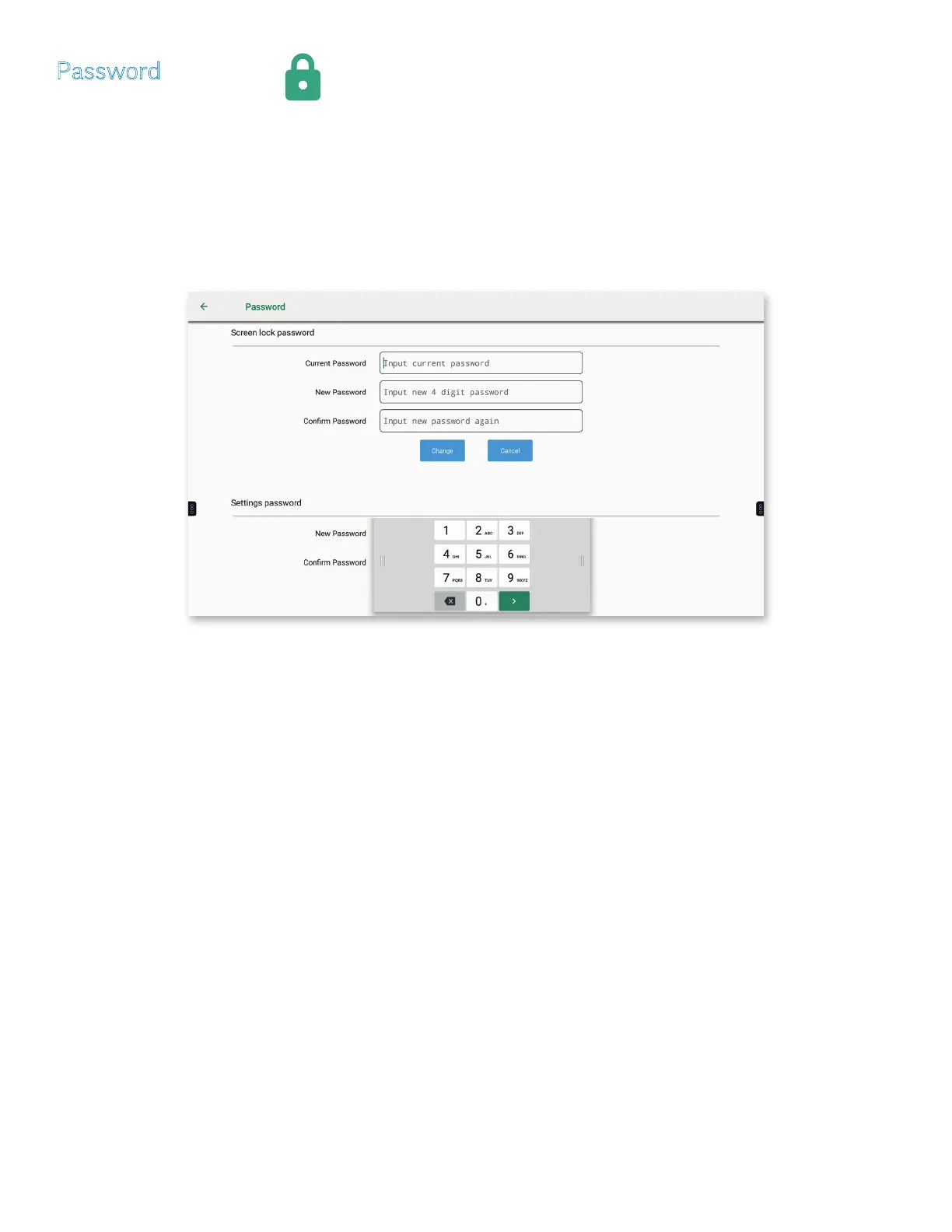
Tap Password, or the Password icon.
1) Tap Change to set a Screen lock password and a Settings password.
NOTE: The method to Change, Clear or Set a password is identical:
a) Tap inside a password box to set an insertion point; use the on-screen keyboard or a connected keyboard to enter a password.
b) Tap Change or Cancel.
NOTE: It may be necessary to move the on-screen keyboard to Change or Cancel the Settings password.
NOTE: InFocus encourages password protection to prevent unauthorized changes to administrator settings.



 To Next Page