Page 47 Interactive Touch Display Hardware Guide
Other Settings
Tap Other Settings, or the Other Settings icon. The available settings are:
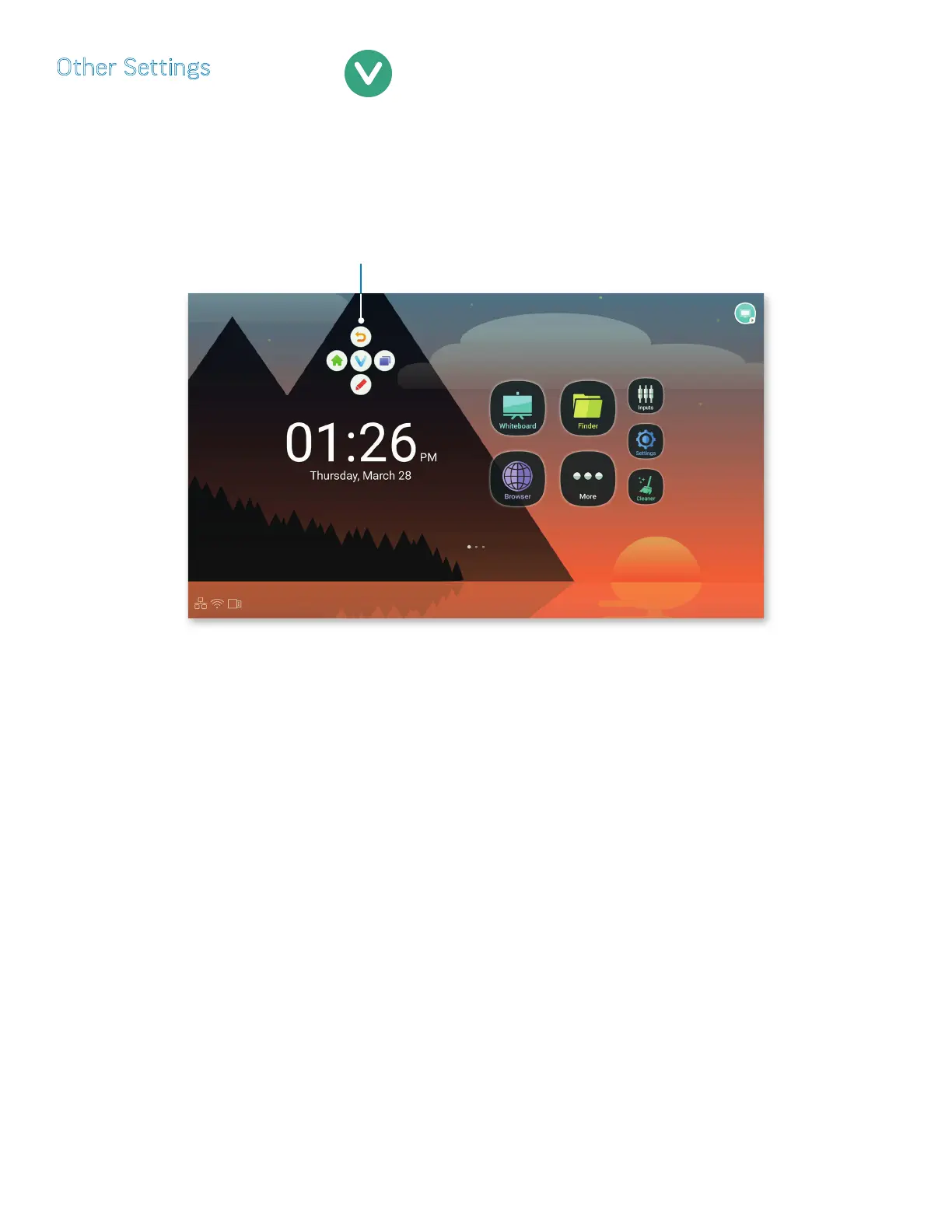
• Floating Annotation Settings: Select Slide Toolbar to show the Total Touch Control menu as a tab (page 20); select Universal
System Toolbar to show the Total Touch Control menu as a circle.
NOTE: In order to display the Universal System Toolbar, long-touch the panel with two ngers held approximately 2 inches (5 cm)
apart.
NOTE: Selecting Universal System Toolbar changes the title of the next category to FloatBar Channel Settings.
• SystemDock/FloatBar Channel Settings: Choose to make the SystemDock/FloatBar Channel settings available in all channels, only
in Android, or not at all.
• Note Writing Setting: Choose between the ability to annotate with only a Single nger or Multi-nger in Whiteboard.
• Floating Source Button: Turn the Floating Source Button (page 19) o, make it switch between Android and Windows, or make
it switch between the last source and the present source.
• Theme: Choose a default background, as well as the look and feel of the Android home screen and TTC menu. Background choices
are Auto, Business or Education.
NOTE: Other pre-installed background images are available at Display, in the Device folder (page 34).
The Universal
System Toolbar



 To Next Page