Page 21 Interactive Touch Display Hardware Guide
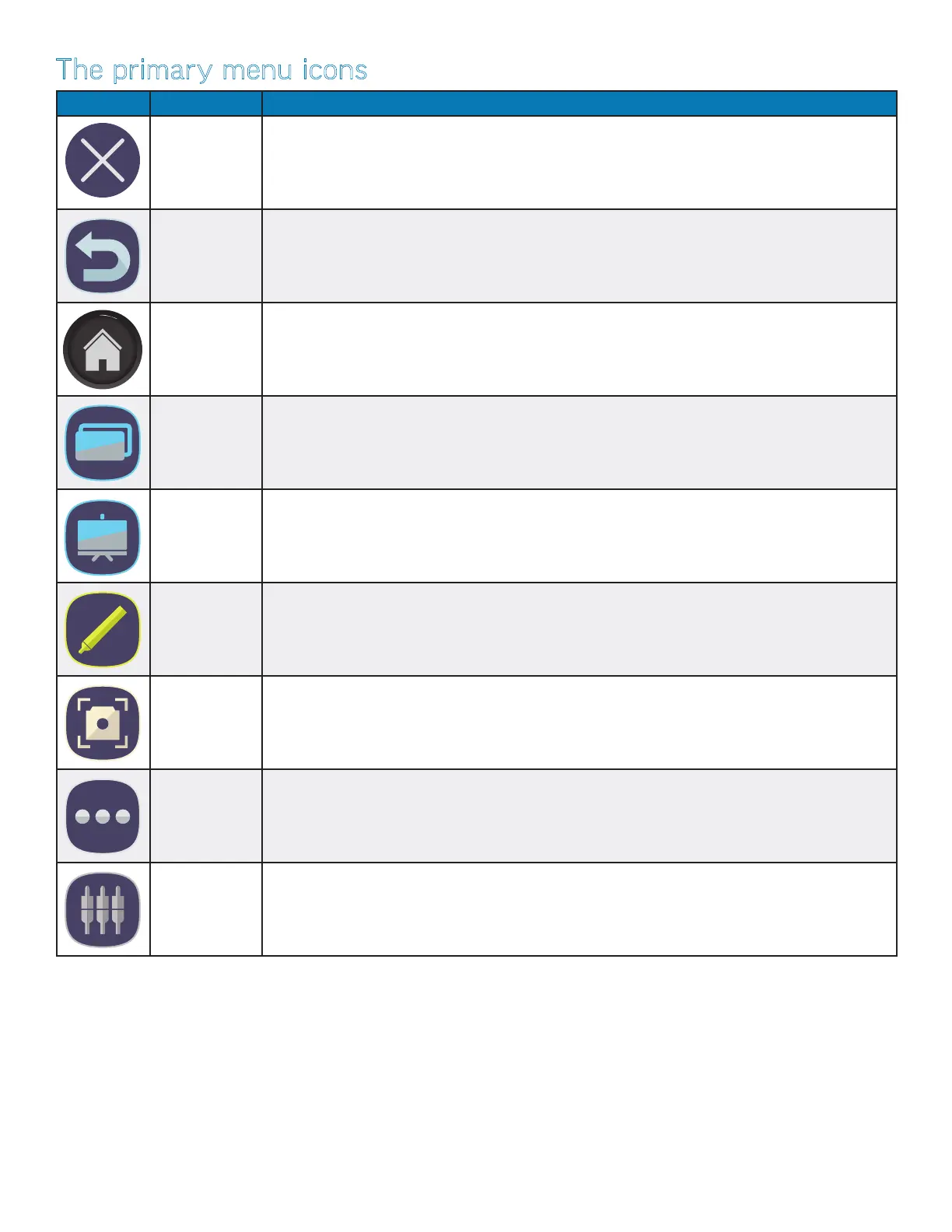
The primary menu icons
Icon Name Function
Close Closes the Total Touch Control menu bar
Back Returns to the previous screen in Android applications — back one level in an application or back one
page in a browser
Home Displays the home screen
Active
Applications
Displays a list of currently-open Android applications
Whiteboard Create and save a Whiteboard (.enb) document using text notes, mobile phone snapshots, printed
and handwritten text within images, imported images, web clips, and digital ink.
Annotation Draw (annotate) over any source, without aecting the original image. Take a screen shot of the
annotation and the underlying image or import it into the whiteboard.
Screen clip/
capture
Takes a screen capture of any displayed image. Expand or contract the image with the sizing han-
dles, or enlarge it to full-screen. Cancel or save the image, or import it into the whiteboard.
More tools Access the le folder, settings, additional applications, and a timer, stopwatch and magnier. See
page 22.
Access Input
Sources
Access input sources with LiveView™ — Select an input source and modify its audio, screen, display
and volume settings. See page 23.



 To Next Page