Page 36 Interactive Touch Display Hardware Guide
Storage
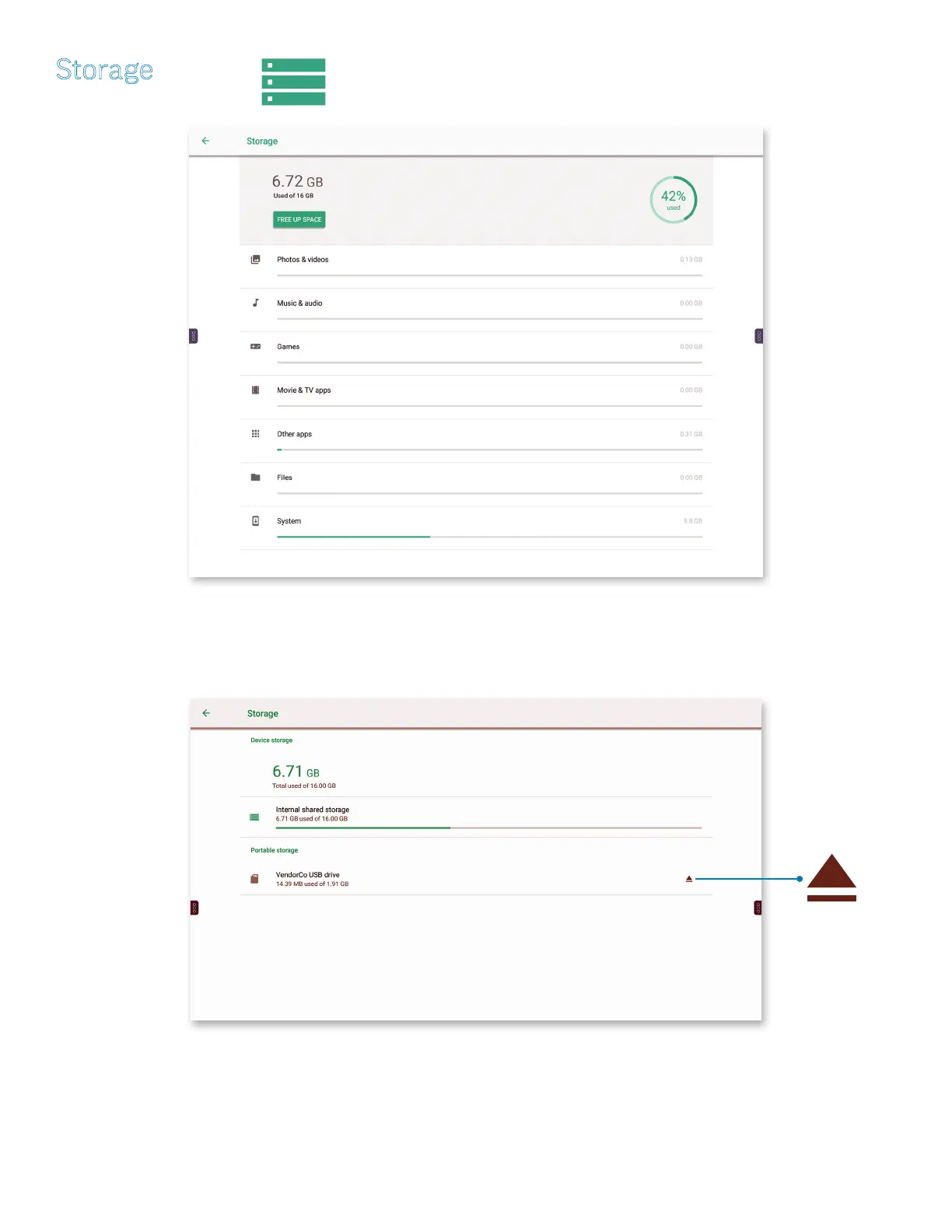
Tap Storage, or the Storage icon. The Storage window appears.
Tap to eject/reinstall
a portable device.
1) If a portable device is connected, the Storage window will show the amount of data used in the portable device (Portable storage)
as well as in the system (Device storage).
a) Tap the triangular icon to the right of Portable storage to eject or reinstall the device.



 To Next Page