Page 17 Interactive Touch Display Hardware Guide
CONNECT THE INTERNAL ANDROID TO WIFI
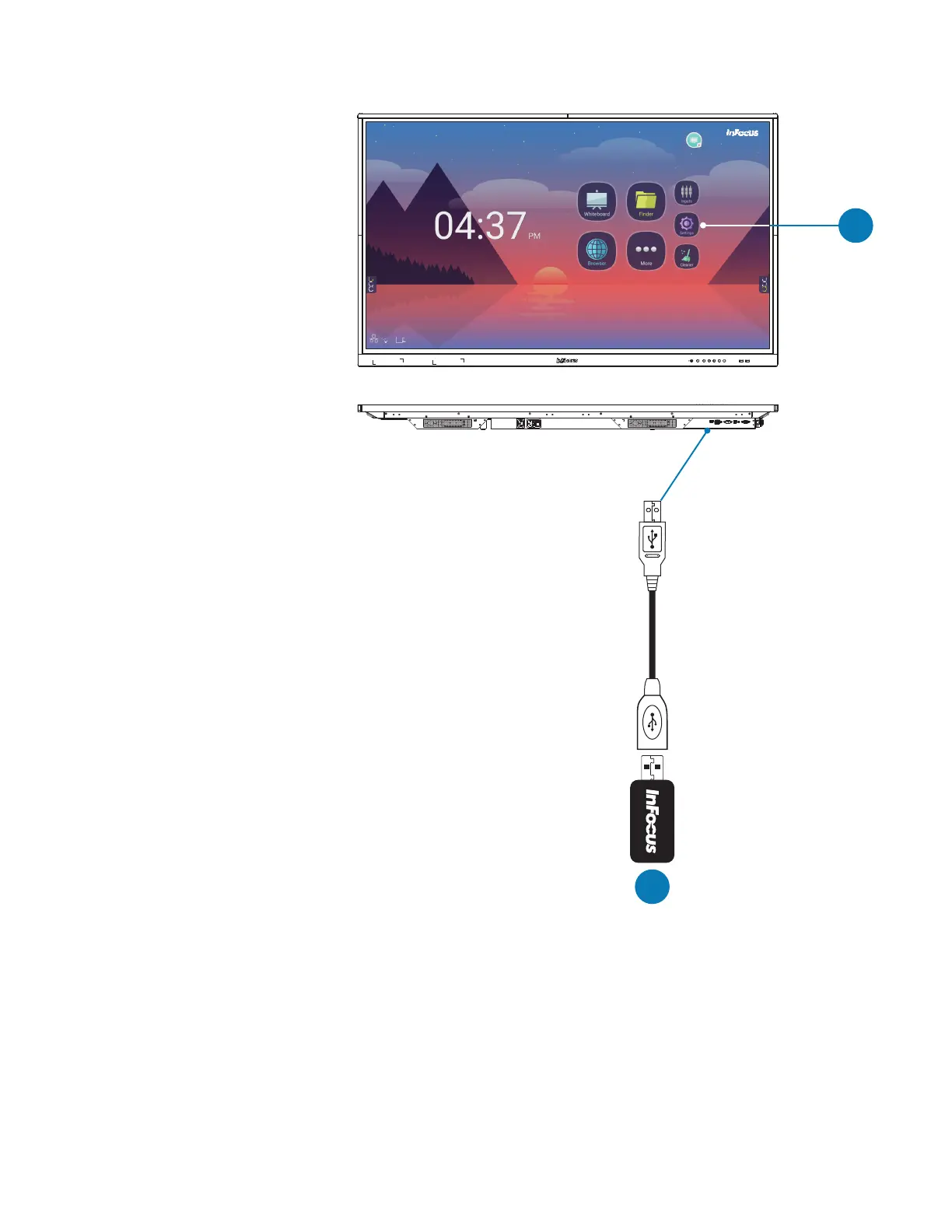
1) Connect the provided USB extender and
the USB dual-band WiFi adapter to the
USB 2.0 port on the bottom side of the
panel as shown.
2) At Android Settings, congure the WiFi
to your network.
2
1
VGA AUDIO IN SPDIF RS232 AUDIO OUTLAN 2.0
Plug the provided
USB dongle into
the USB 2.0
under panel port.
Tap Settings
to select a
WiFi net-
work.



 To Next Page