Page 33 Interactive Touch Display Hardware Guide
g) Type “File Explorer” in the Windows search box.
h) At the next window, type “\\” followed by the panel’s ip address. Press Enter.
NOTE: See WiFi (page 25) or Ethernet (page 27), under Settings, for the panel’s ip address.
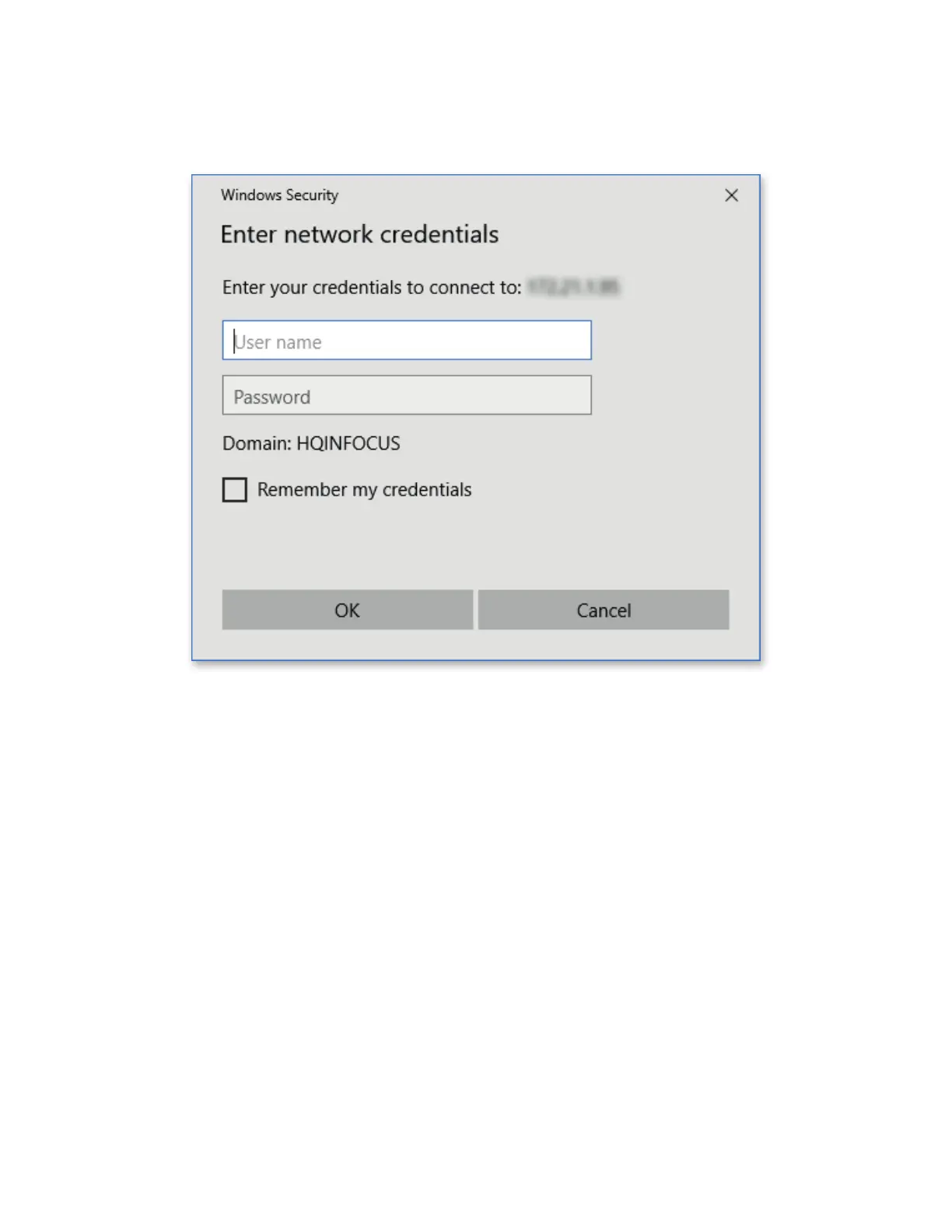
i) Enter your network credentials.
j) At the next window, enter the user name (“admin”) and the password, if one was chosen.



 To Next Page