Page 32 Interactive Touch Display Hardware Guide
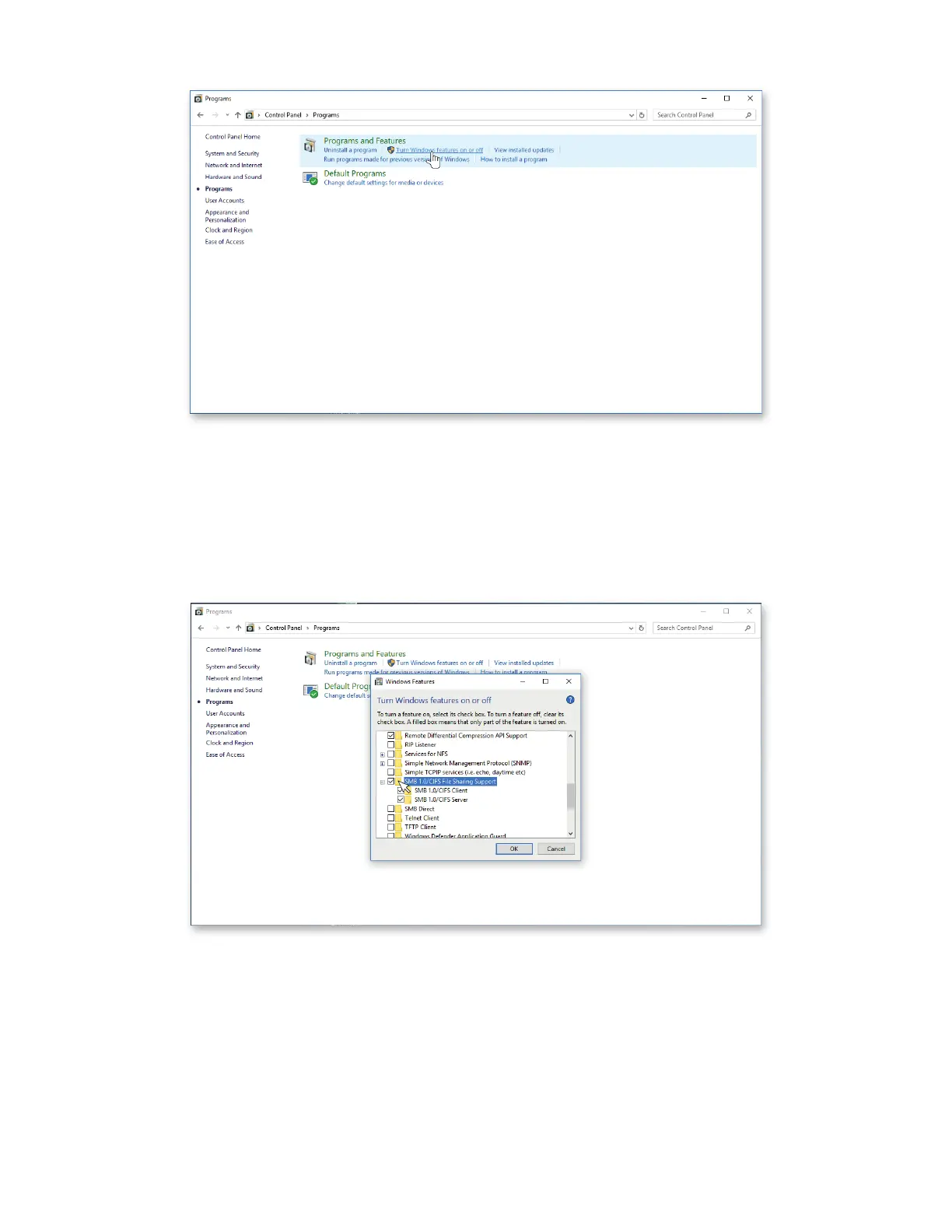
c) Select “Turn Windows Features on or o.”
d) Scroll down to, and select, “SMB File Sharing Support.”
e) Select “SMB Client.”
f) Press “OK” at the bottom of the window.
NOTE: It may be necessary to restart Windows to enable SMB.



 To Next Page