Page 28 Interactive Touch Display Hardware Guide
3) If you choose Static IP as your local network —
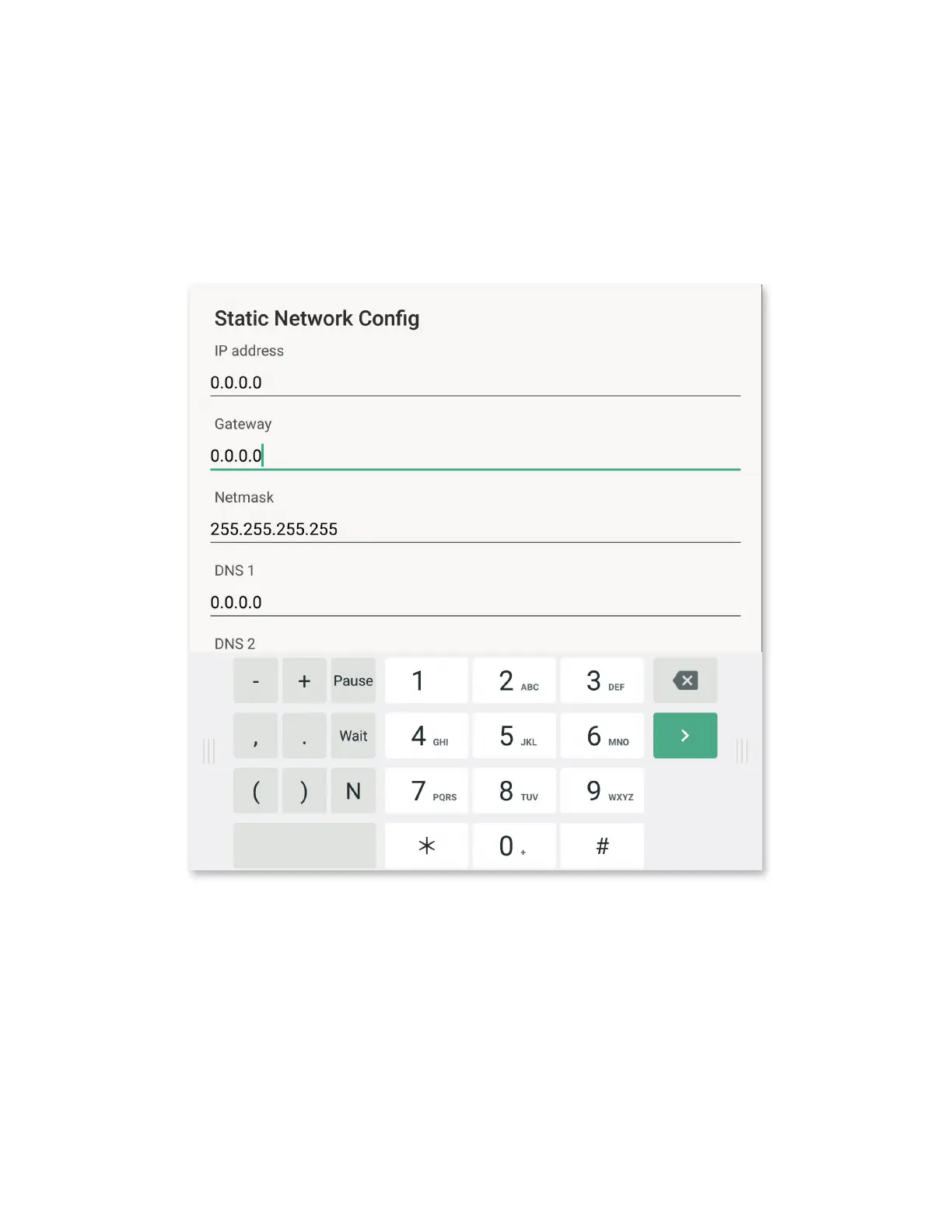
a) Tap any of the numbers under the IP address, Default gateway, Netmask, or the DNS 1 and DNS 2 settings. The Static Net-
work Cong window appears.
b) Use a connected keyboard or the on-screen keyboard to enter the required information; at the bottom right of the window, tap
Cancel or OK to dismiss or conrm your settings.
NOTE: It may be necessary to move the on-screen keyboard to reveal Cancel and OK.
4) At the bottom of the menu, determine how a proxy server will be identied: Tap Proxy and choose None, Manual, or Proxy
Auto-Cong.



 To Next Page