5G INDOOR ROUTER FG2000e USER GUIDE 59
Static DHCP Sub Tab
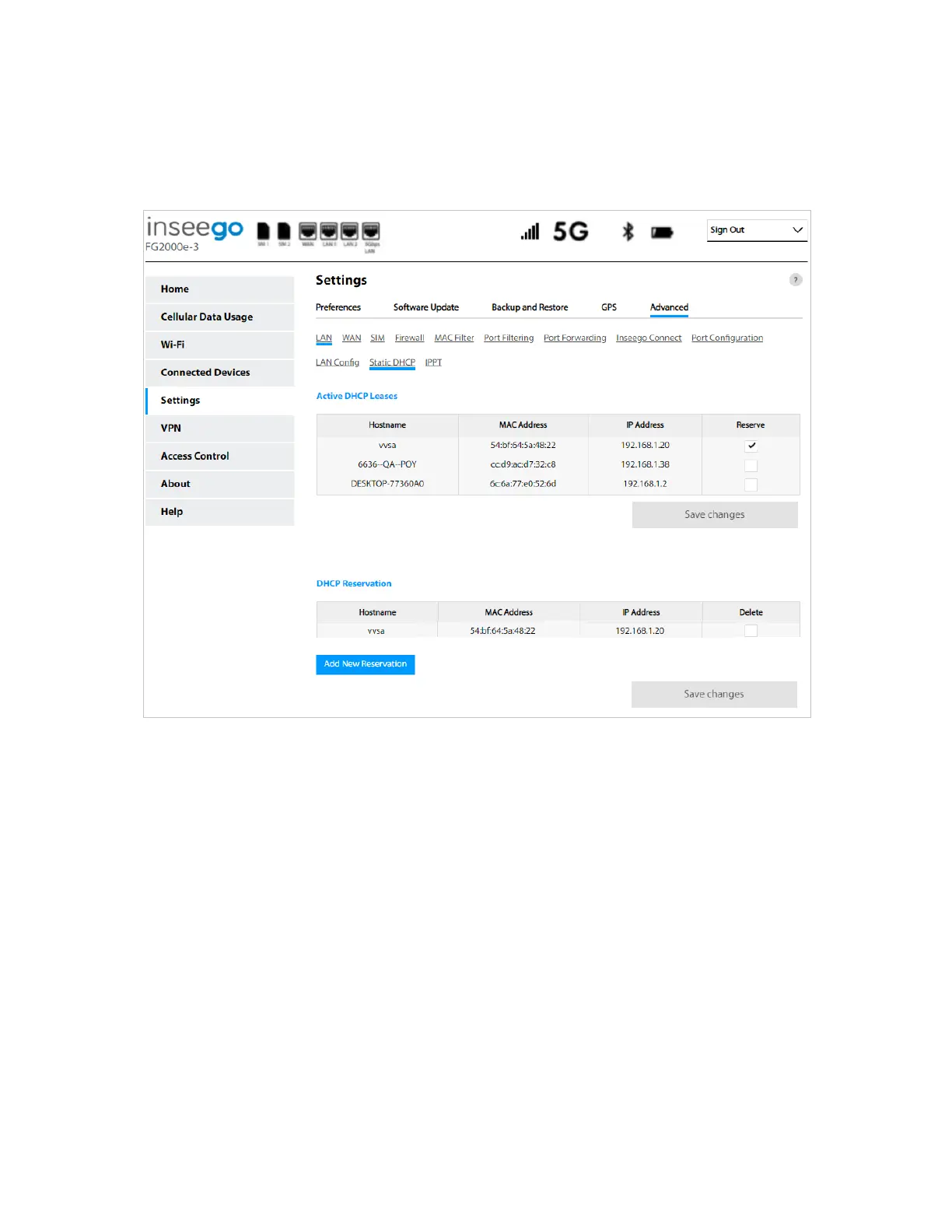
Use the Static DHCP sub tab to view your active Dynamic Host Configuration Protocol (DHCP) leases
and to reserve a static IP address for client devices so that the IP address for that device never changes.
Active DHCP Leases
This table lists the hostname, MAC address and IP address of all active DHCP leases for devices in your
local area network (LAN). Check the Reserve checkbox to reserve a static IP address for that device
and click Save changes. The device information appears in the DHCP Reservation table below.
DHCP Reservation
This table lists the hostname, MAC address and IP address of all active DHCP reservations for devices in
your local area network (LAN). Click Add New Reservation to add a new device to the list. Check the
Delete checkbox and click Save changes to remove a reservation.
Click Save changes to save new settings.



 To Next Page