5G INDOOR ROUTER FG2000e USER GUIDE 60
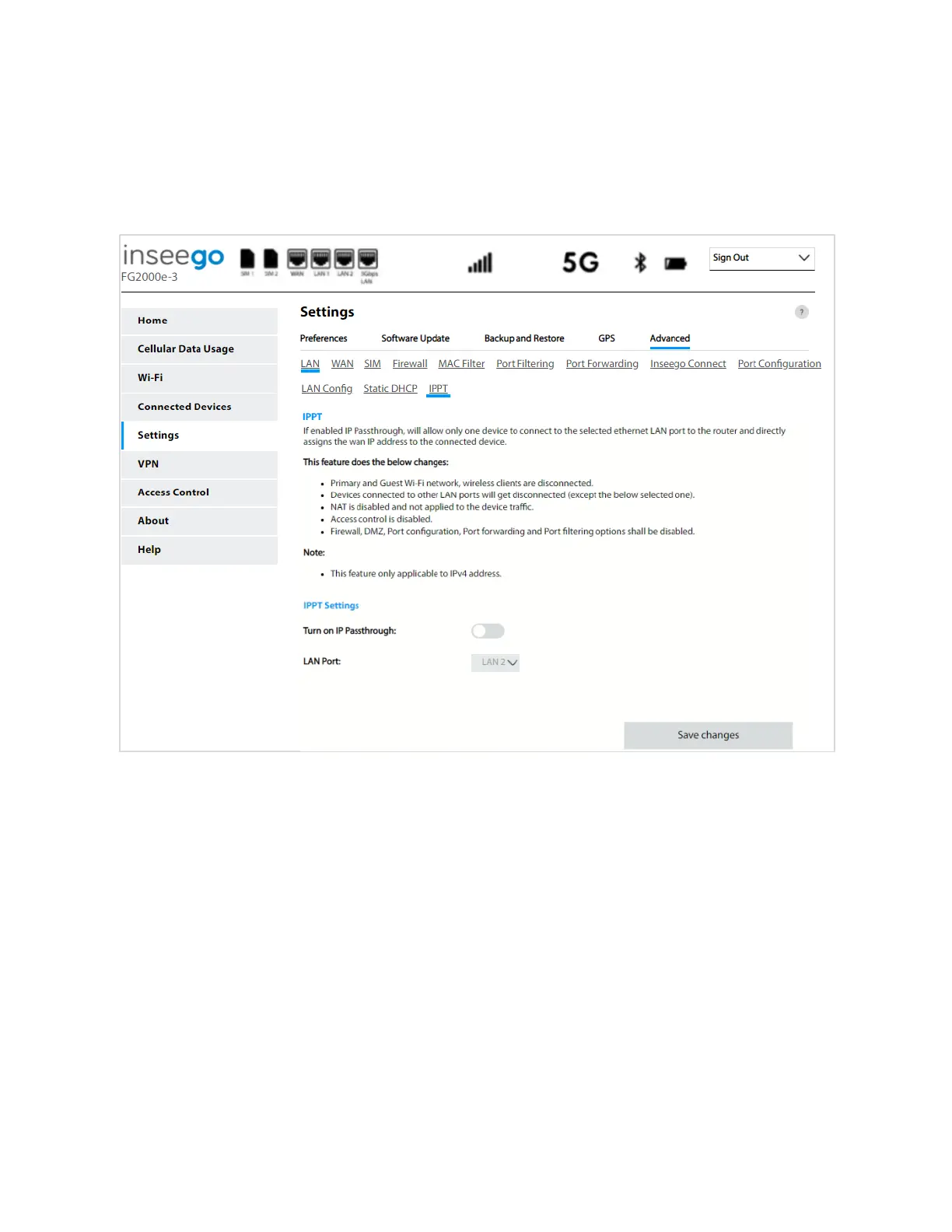
IPPT Sub Tab
Use this tab to enable IP Passthrough on your FG2000e. IP Passthrough enables you to assign a public
IP address to a device connected on your network. IPPT allows only one device to connect to the
selected Ethernet LAN port.
IPPT
IP Passthrough (IPPT) enables the first device detected on the specified LAN port to obtain the IP
address assigned by the mobile network. IPPT allows you to enable a one-to-one connection to a host
routing system. NOTE: When IP Passthrough is on, only one device will have internet access. All other
connected devices will be disconnected and lose internet access. The following capabilities are set
through the host routing system and Web UI settings are not available:
• Primary and Guest Wi-Fi networks
• Access Control
• Firewall
• Port Filtering
• Port Forwarding
• Port Configuration



 To Next Page