5G INDOOR ROUTER FG2000e USER GUIDE 68
Turn on PIN Lock - Sets the SIM so that entry of a PIN is required upon startup to connect to the
mobile network. To perform this operation, you must enter the current PIN.
Turn off PIN Lock - Turns off a PIN lock that was previously turned on so that entry of a PIN is
no longer required to connect to the mobile network. To perform this operation, you must
enter the current PIN.
Change PIN: Allows you to change the SIM PIN. You must enter the current PIN, then enter the
new PIN and confirm it.
Current PIN: Enter the current PIN. NOTE: The default SIM PIN is available from your service provider.
Click Save changes.
SIM Management (Inseego Connect)
NOTE: These SIM Management settings are available with Inseego Connect.
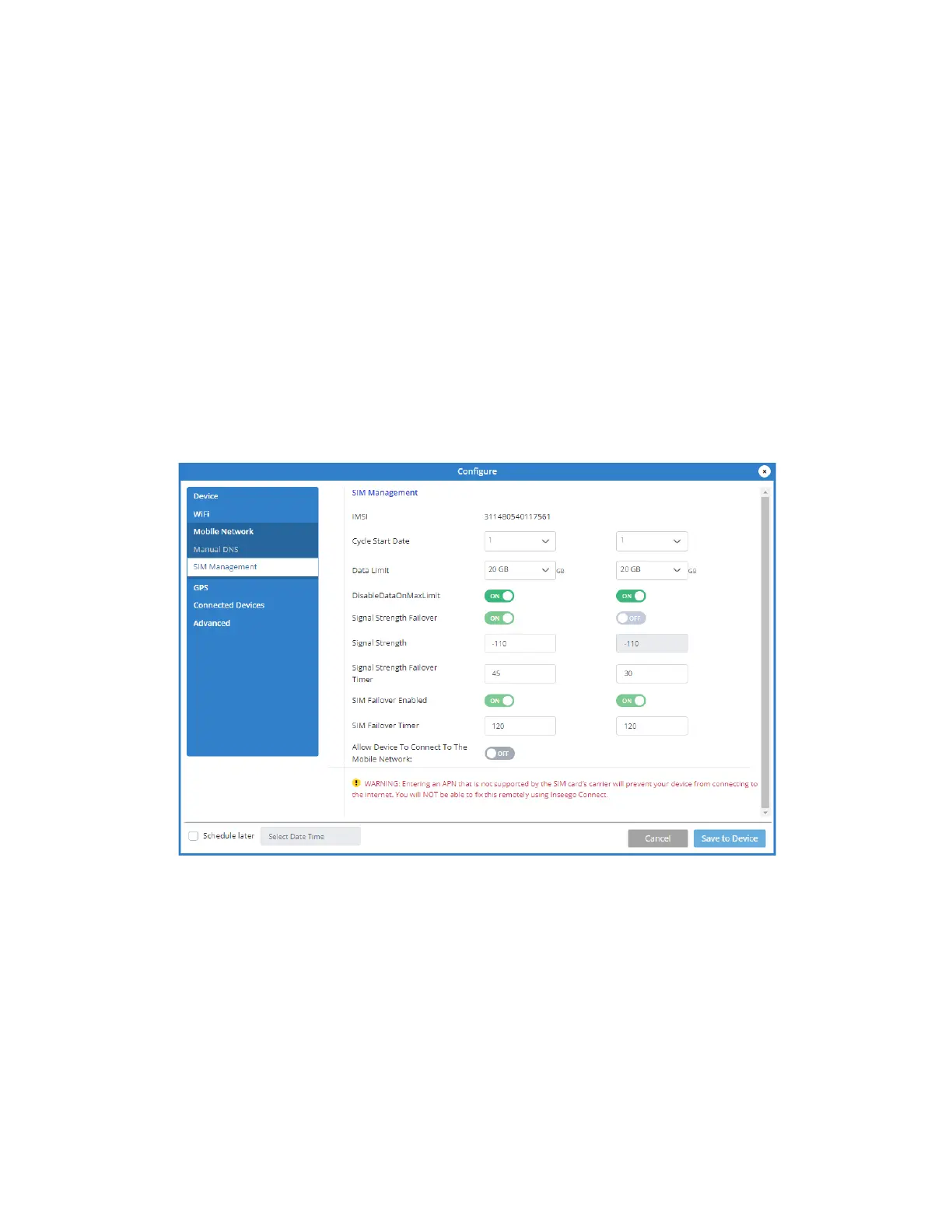
SIM Management
IMSI: The International Mobile Subscriber Identity (IMSI) for your FG2000e. This is a unique number,
usually fifteen digits, that identifies a Global System for Mobile Communications (GSM) subscriber.
Cycle Start Date: The day of the month the billing cycle starts for the SIM.
Data Limit: The amount of data the SIM is limited to each billing cycle.
Signal Strength Failover: When enabled, the SIM automatically switches if signal strength falls below
the threshold (dBm) set in Signal Strength for the amount of time set in Signal Strength Failover
Timer for the SIM.



 To Next Page