ASSIST PLUS – Operating instructions V02 Installation
14 INTEGRA Biosciences AG
3.9 Toolbox settings
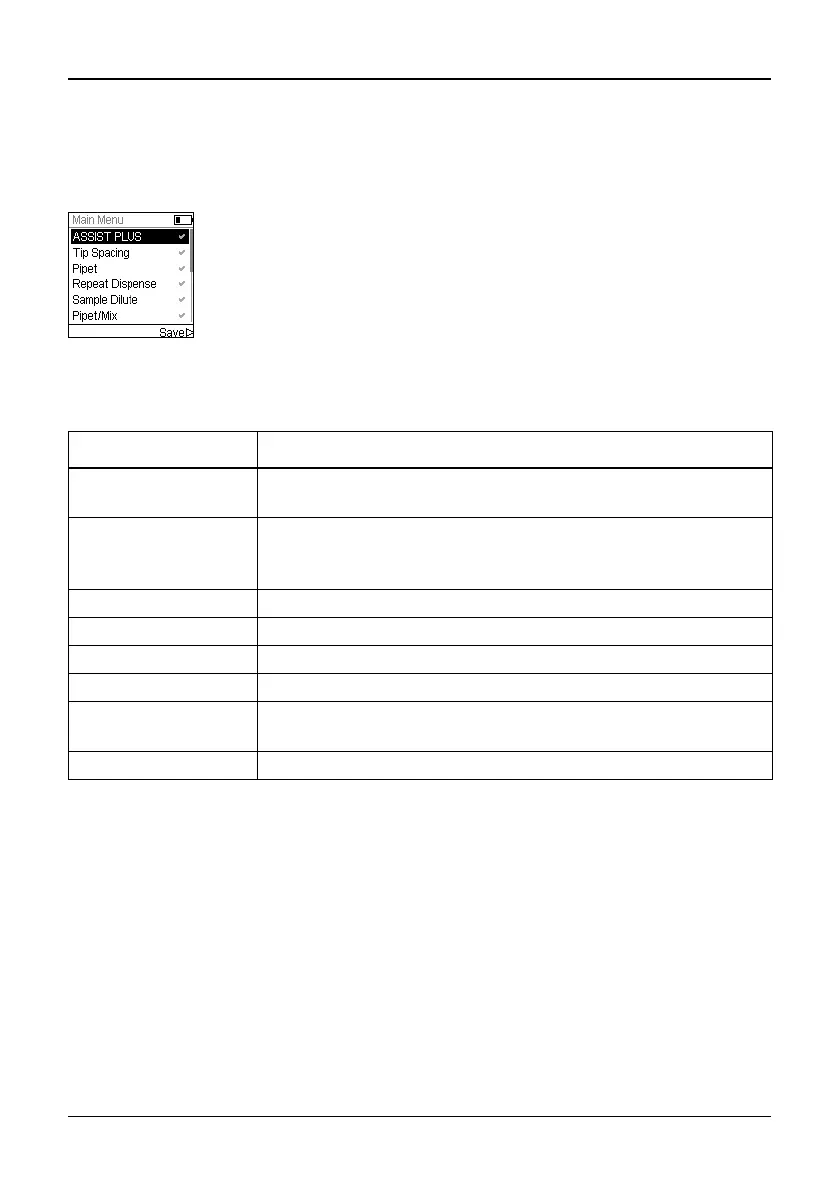
3.9.1 Enabling ASSIST PLUS program
By default the ASSIST PLUS program is hidden from the Main Menu.
3.9.2 Overview of Toolbox for ASSIST PLUS
The Toolbox for ASSIST PLUS provides options to adapt the pipette to appropriate
applications.
3.9.3 Device Information
This section contains information about your ASSIST PLUS, such as serial number,
firmware (FW) and hardware (HW) version and error status.
Use the Touch wheel to select Toolbox from the Main Menu and press
OK.
Select Preferences and then Main Menu. Enable the ASSIST PLUS
program by pressing OK (green ) and press to save your settings.
Toolbox Description
Tip Monitor Defines whether loaded tips should be checked directly after tip
loading, before tip ejection and after tip ejection.
Tip Type Sets the tip type standard, short or long (only for 12.5 μl
pipettes). Note: Tip definitions in VIALAB programs will not be
overwritten by this setting.
Preferences Deck brightness sets brightness of deck illumination.
Device Information Contains Information about the instrument and the software.
Bluetooth Pairing Pairs the INTEGRA pipette and the ASSIST PLUS.
Move to park position Fixes the tower and the instrument base for safe transportation.
Move to reference
pos.
Moves the tower to the reference position to verify correct
alignment. Adjustment Tool required, for INTEGRA staff only.
Position Adjustment Sets an offset of the tip rack deck.



 To Next Page